SWE-agent: A GitHub Copilot Alternative for Autonomous Issue Resolution
SWE-agent is an open-source CLI coding agent developed by researchers at Princeton University and Stanford University. It enables language models such as GPT-4o or Claude Sonnet to autonomously use tools — including file editing, terminal execution, and code search — to fix issues in real GitHub repositories. As a GitHub Copilot alternative, it is best suited for researchers, developers, and teams who want an agentic, open-source tool for automated bug fixing and issue resolution.
SWE-agent vs. GitHub Copilot: Quick Comparison
| SWE-agent | GitHub Copilot |
|---|
| Type | CLI Agent | IDE Extension / CLI |
| IDEs | Terminal (works alongside any editor) | VS Code, JetBrains, Vim, Neovim, Visual Studio, Xcode |
| Pricing | Free (open-source); you pay model API costs | Free for students/OSS; Individual $10/mo; Business $19/mo; Enterprise $39/mo |
| Models | Any (GPT-4o, Claude Sonnet 4, DeepSeek, others via BYOM) | OpenAI GPT-4o, Claude 3.5 Sonnet, Gemini 1.5 Pro (multi-model) |
| Privacy / hosting | Self-hosted / local; model API calls go to your provider | Cloud (GitHub/Microsoft) |
| Open source | Yes (MIT) | No |
| Offline / local models | Yes (with a local model server) | No |
Key Strengths
- State-of-the-art on SWE-bench among open-source projects: SWE-agent was built to solve real GitHub issues autonomously. It achieved state-of-the-art performance on SWE-bench Verified among open-source agents, demonstrating its ability to understand issue descriptions, navigate codebases, and generate correct patches.
- Bring Your Own Model (BYOM): SWE-agent is model-agnostic and works with any LLM provider — OpenAI, Anthropic, Google Gemini, DeepSeek, and local models. You pay only your model API costs; the agent itself is free.
- Configurable and fully documented: The entire agent behavior is governed by a single YAML configuration file. Developers can customize tools, task definitions, model routing, context strategies, and execution sandboxes without modifying the Python codebase.
- Research-grade and hackable: Built by Princeton and Stanford researchers, SWE-agent is designed for research reproducibility and extensibility. It has been used in published studies and is actively maintained with documented architecture diagrams and full open source under MIT license.
- Multimodal support: SWE-agent can process images from GitHub issues using vision-capable AI models, making it useful for bug reports that include screenshots or UI-related issues.
Known Limitations
- Technical setup required: SWE-agent requires Python installation, environment configuration, and model API keys. It does not have a one-click install or a graphical interface. Developers unfamiliar with CLI tools and API configurations will face a steeper learning curve compared to GitHub Copilot's seamless IDE integration.
- No inline IDE autocomplete: SWE-agent is designed to autonomously solve issues and submit patches, not to provide real-time inline code suggestions as you type. Developers who want continuous autocomplete in their editor need to use a separate tool.
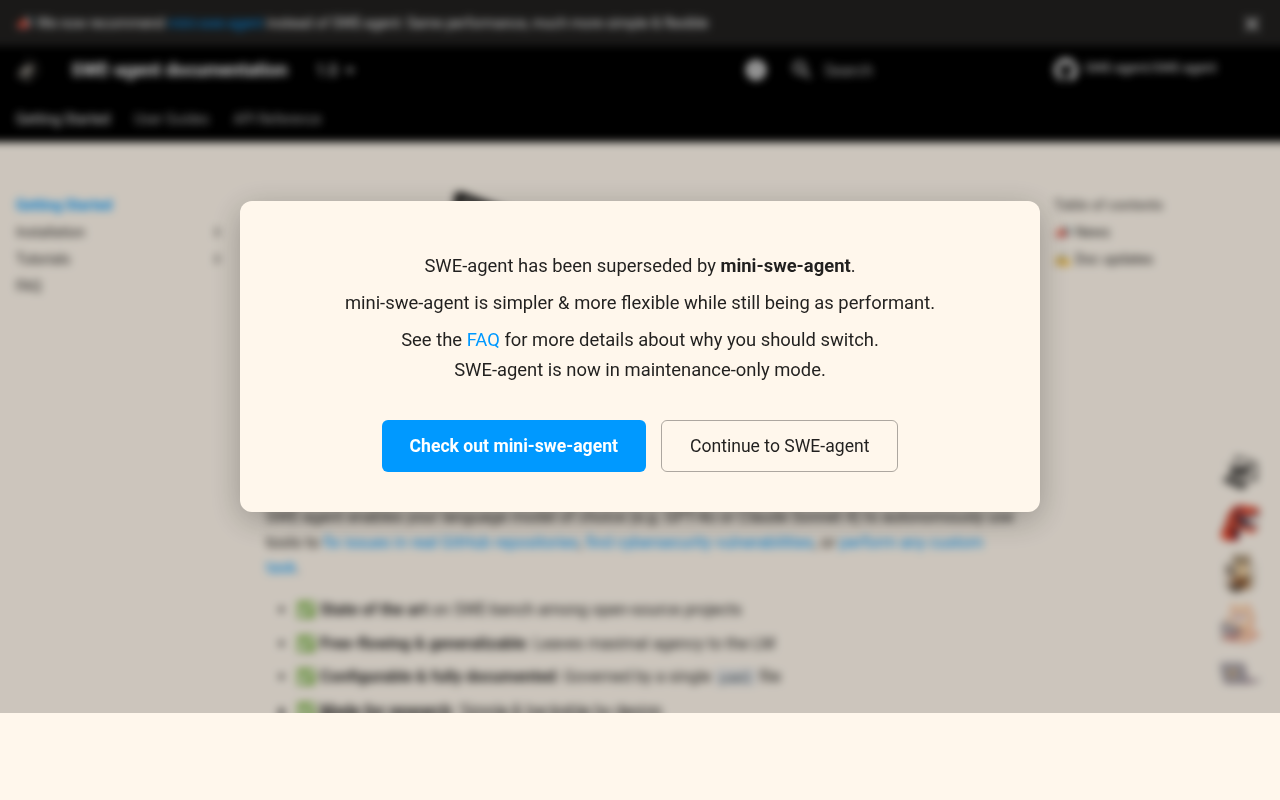
- Mini-swe-agent recommended for new users: The SWE-agent team now recommends mini-swe-agent for most use cases, as it matches SWE-agent's performance with significantly simpler architecture. New users may want to start there.
Best For
SWE-agent is best suited for researchers studying agentic code generation, teams that want to automate bug fixing pipelines, and individual developers comfortable with CLI tools who want an open-source alternative to paid agentic services. It is particularly valuable for open-source maintainers who want to automate triaging and resolving simple GitHub issues, or for organizations evaluating AI agents in software engineering benchmarks.
Pricing
- Free (open-source): SWE-agent itself is MIT-licensed and completely free. You only pay the API costs for the model you choose (e.g., OpenAI, Anthropic, or Google API billing).
- Self-hosted: You can also use SWE-agent with local models (e.g., Ollama or vLLM), in which case the only cost is your own compute.
Check the official documentation for current installation and usage instructions.
Tech Details
- Type: CLI Agent
- IDEs: Terminal; works alongside any editor via CLI. No native IDE extension.
- Key features: Autonomous issue resolution, BYOM (any LLM), YAML configuration, SWE-bench benchmark performance, multimodal image support (GitHub issues), cybersecurity task support, custom task support, open-source MIT license
- Privacy / hosting: Self-hosted; model calls go directly to your chosen LLM provider. No third-party servers beyond the model provider.
- Models / context window: Model-agnostic (GPT-4o, Claude Sonnet 4, DeepSeek, Gemini, local models). Context window depends on the model chosen.
When to Choose This Over GitHub Copilot
- You want a free, open-source agentic tool for automatically resolving GitHub issues without a monthly subscription.
- You need full control over the model, tools, and agent behavior, including YAML-level configuration and custom tool definitions.
- You are conducting research on AI coding agents or software engineering benchmarks and need a reproducible, well-documented baseline.
- You want to use local models for fully private, offline operation without sending any code to a third-party cloud service.
When GitHub Copilot May Be a Better Fit
- You want real-time inline autocomplete integrated directly into your IDE with zero setup overhead — SWE-agent requires manual configuration and CLI usage.
- Your team needs a polished, enterprise-grade solution with SSO, audit logs, and support SLAs — GitHub Copilot Enterprise provides these.
- You prefer a fully managed product with no infrastructure to maintain — SWE-agent is self-hosted and requires you to manage your own model API keys and environment.
Conclusion
SWE-agent is the best open-source choice for developers and researchers who want an agentic, model-agnostic CLI tool for autonomous GitHub issue resolution with full configuration control. For developers who primarily want inline IDE autocomplete or need an enterprise-grade solution with minimal setup, GitHub Copilot remains a more appropriate choice.
Sources
FAQ
Is SWE-agent free?
Yes. SWE-agent is MIT-licensed open-source software, free to use and modify. The only costs are model API fees from your chosen provider (OpenAI, Anthropic, etc.). If you use a local model, there are no API costs at all.
Does SWE-agent work with VS Code?
SWE-agent is a CLI tool and does not have a VS Code extension. You run it from your terminal and it edits files on your machine. You can have VS Code open alongside it, but there is no inline integration or extension to install.
How does SWE-agent compare to GitHub Copilot?
GitHub Copilot provides real-time inline code suggestions within IDE editors across VS Code, JetBrains, and others. SWE-agent is an autonomous agent that takes a GitHub issue description, autonomously reads the codebase, implements a fix, and outputs a patch — without any manual coding. They serve fundamentally different use cases.
What is the difference between SWE-agent and mini-swe-agent?
Mini-swe-agent is a simplified version of SWE-agent that matches SWE-agent's performance while being significantly simpler in architecture (achievable in ~100 lines of Python). The SWE-agent team currently recommends mini-swe-agent for most new users. SWE-agent is better suited for researchers who need the full configurability and research infrastructure.