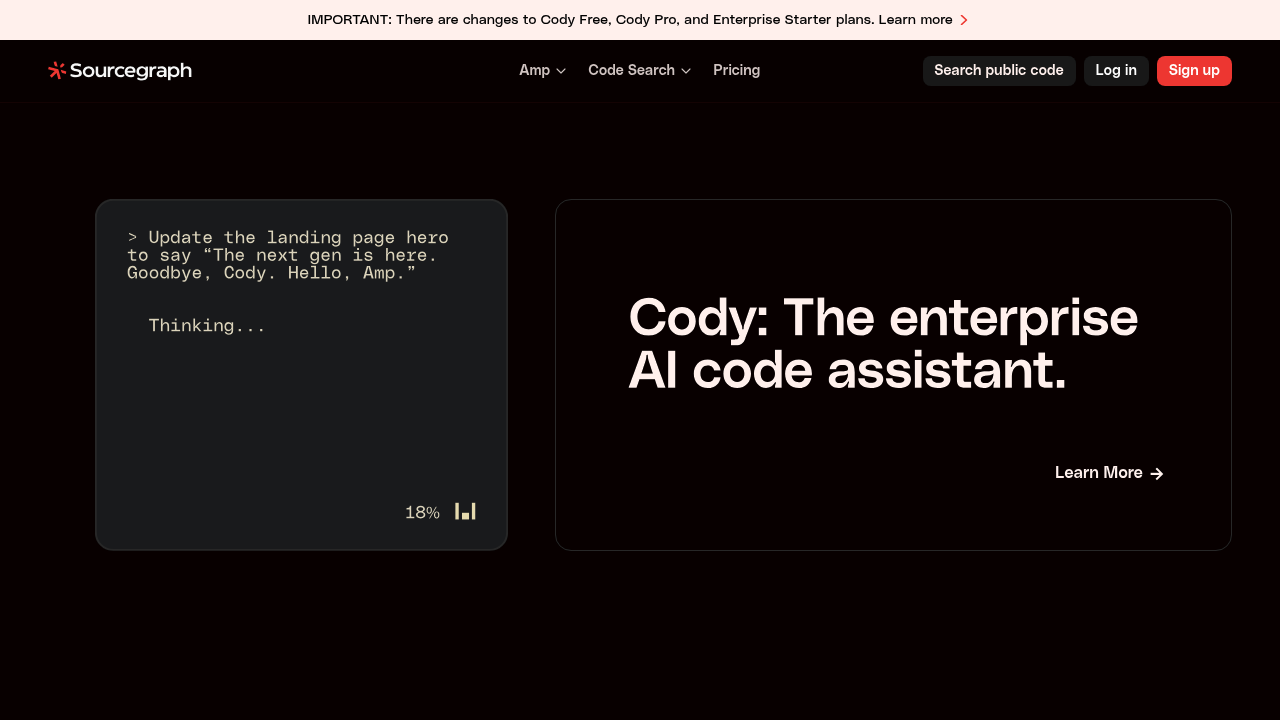
Amp - Github Copilot alternative
Amp is an agentic coding tool built by Sourcegraph that runs in VS Code and compatible forks, plus command-line interface. It uses advanced models and finely-tuned agents to ensure code changes are high-impact and production-ready. Solo developers benefit from multiplayer thread sharing and workspace collaboration features. Threads, context, and workflows are shared by default for team reuse and improvement.
Strengths
- Uses Claude Sonnet 4 for most tasks with up to 432,000 tokens of context window.
- Supports AGENT.md files for codebase guidance, build/test commands, and conventions that are automatically included.
- Spawns subagents via Task tool for complex parallel work with independent context windows.
- Extends with custom MCP (Model Context Protocol) servers for additional tools beyond built-in coding tools.
- Granular permission system controls tool execution with allow, reject, ask, or delegate actions for security.
- Thread sharing enables workspace collaboration with public, workspace-shared, or private visibility options.
Weaknesses
- Recent changes discontinued Cody integration for new Enterprise Starter workspaces after June 2025.
- Context window fills during long sessions requiring manual compaction or thread restart to continue work.
- Extended thinking budget increases token usage significantly when requesting deeper reasoning from Claude Sonnet 4.
- JetBrains integration requires manual plugin installation for downgraded IDE versions below latest release.
Best for
Solo developers and small teams who need agentic coding with thread collaboration. Engineers working in large codebases requiring extensive context windows.
Pricing plans
- Individual — $10 USD free credits for most users — At-cost LLM pricing with no markup, optional training on data
- Team — At-cost pricing — No training on data, team billing, same per-token costs as Individual
- Enterprise — 50% markup over Individual/Team — $1,000 USD minimum purchase, SSO (Okta/SAML), zero LLM retention, advanced thread controls
- Enterprise Premium — Volume discounts at $25,000+ USD — Invoice payments at $5,000+ USD minimum, enterprise-grade support
Tech details
- Type: Agentic coding assistant with autonomous reasoning and multi-step task execution
- IDEs: VS Code, Cursor, Windsurf, VSCodium via extension; JetBrains IDEs with CLI integration; command-line interface via npm package
- Key features: Extended thinking with dynamic budget adjustment, subagent spawning for parallel work, oracle access to OpenAI o3 for complex reasoning, image upload support, AGENT.md guidance files, granular permission system, thread sharing and collaboration
- Privacy / hosting: Cloud-hosted service at ampcode.com. Enterprise tier offers zero data retention for text inputs in LLM inference. Individual and Team tiers have optional training on data. CLI runs locally with API key authentication.
- Models / context window: Primary: Claude Sonnet 4 (432,000 tokens context). Secondary: OpenAI o3 via oracle tool for complex reasoning tasks.
When to choose this over Github Copilot
- You need autonomous agentic behavior that handles multi-step tasks without constant guidance or manual intervention.
- Your team benefits from shared threads as collaborative knowledge base similar to Git branches on shared remote.
- You want to customize tool permissions granularly with allow/reject/ask/delegate rules for enhanced security control.
When Github Copilot may be a better fit
- You prefer inline completions tightly integrated with GitHub ecosystem and native IDE suggestions without separate agent interface.
- Your budget constraints favor fixed monthly pricing over consumption-based at-cost LLM token billing models.
- You need mature JetBrains support without CLI workarounds or manual plugin installation for version compatibility.
Conclusion
Amp positions itself as an agentic coding tool built for teams with no token constraints. Its architecture supports complex workflows through subagents, extensive context windows, and customizable tool permissions. The at-cost pricing model appeals to heavy users. Thread sharing as a default collaboration pattern distinguishes Amp from individual-focused Github Copilot alternative tools.
Sources
FAQ
What is the difference between Amp and Sourcegraph Cody?
Amp is a newer agentic coding tool focused on autonomous multi-step task execution with thread collaboration. Cody is Sourcegraph's established AI coding assistant for enterprises with chat, autocomplete, and inline edits. Both are separate products from Sourcegraph.
How does Amp's context window compare to other coding assistants?
Amp uses Claude Sonnet 4 with up to 432,000 tokens of context, significantly larger than many alternatives. This allows analysis of extensive codebases within a single conversation thread before requiring compaction.
Can I use Amp offline or self-hosted?
No. Amp requires internet connection to ampcode.com cloud service. The CLI tool runs locally but authenticates via API key and sends requests to hosted LLM services. Enterprise tier does not offer self-hosting options.
What are AGENT.md files and why are they important?
AGENT.md files provide guidance on codebase structure, build/test commands, and conventions. Amp automatically includes these from current working directory, parent directories up to $HOME, and subtrees when reading files. This contextualizes agent behavior for your project.
How do Amp's subagents work?
Subagents spawn via the Task tool for complex tasks requiring independent execution, each with its own context window and tool access. They work in isolation without inter-agent communication, and the main agent only receives final summaries. Best for parallel work or extensive output operations.
What happens when I run out of credits?
Amp stops functioning until you purchase additional credits. Unless auto-reload is enabled, you never get charged more than prepaid amounts. Workspace members with personal free credits use those before consuming paid workspace credits. Enterprise requires $1,000 minimum purchase upfront.