Gemini CLI: A GitHub Copilot Alternative for Terminal-First AI Coding
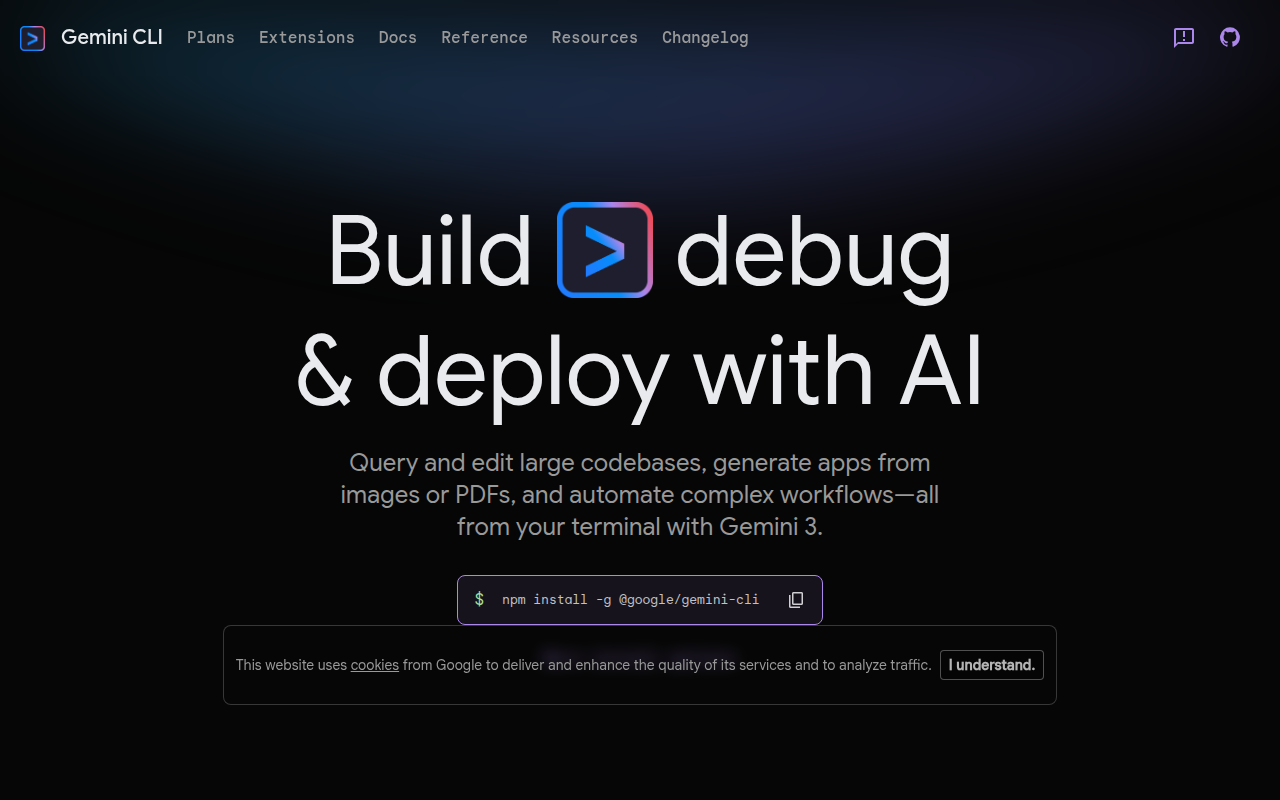
Gemini CLI is an open-source CLI agent developed by Google that brings the power of Gemini models directly into your terminal. It provides file operations, shell command execution, Google Search grounding, and MCP (Model Context Protocol) support, all from the command line. As a GitHub Copilot alternative, it is best suited for developers who prefer terminal-based workflows and want access to Google's Gemini 3 models with a generous free tier.
Gemini CLI vs. GitHub Copilot: Quick Comparison
| Gemini CLI | GitHub Copilot |
|---|
| Type | CLI Agent | IDE Extension / CLI |
| IDEs | Terminal (any editor via CLI), VS Code integration via Gemini Code Assist | VS Code, JetBrains, Vim, Neovim, Visual Studio, Xcode |
| Pricing | Free (1,000 req/day with Google account); paid tiers via Google AI Pro/Ultra | Free for students/OSS; Individual $10/mo; Business $19/mo; Enterprise $39/mo |
| Models | Gemini 3 family (1M token context window) | OpenAI GPT-4o, Claude 3.5 Sonnet, Gemini 1.5 Pro (multi-model) |
| Privacy / hosting | Cloud (Google) | Cloud (GitHub/Microsoft) |
| Open source | Yes (Apache 2.0) | No |
| Offline / local models | No | No |
Key Strengths
- Generous free tier: With a personal Google account, you get 1,000 model requests per day at no cost. This covers the vast majority of individual developer use cases without any subscription.
- 1M token context window: Gemini 3 models support a 1 million token context window, which is significantly larger than most competitors. This allows Gemini CLI to process and understand large codebases in a single prompt.
- Google Search grounding: Unlike most coding tools, Gemini CLI can fetch live web search results and use them as context, making it useful for looking up current API documentation, security advisories, or library usage patterns in real time.
- MCP support: Gemini CLI supports the Model Context Protocol, enabling integration with 100+ external tools and custom MCP servers for expanded context and automation workflows.
- Open source: Licensed under Apache 2.0, the full source is available on GitHub. Developers can inspect, fork, and extend it to fit their specific needs.
Known Limitations
- Terminal-only interface: Gemini CLI is designed for the command line and does not include an IDE extension with inline completions or diff-based suggestions out of the box. Developers who rely on autocomplete within their editor need to use a separate tool like Gemini Code Assist.
- Cloud-only inference: All model inference runs on Google's cloud. There is no option to run Gemini models locally, which may be a concern for developers with strict data privacy requirements.
- Rate limits on free tier: The free tier via Gemini API key is limited to 250 requests per day (Flash model only), while the Google account–based free tier allows 1,000 requests per day but requires a Google account sign-in flow.
Best For
Gemini CLI is best suited for developers who spend most of their time in the terminal and want an agentic AI assistant that can autonomously run shell commands, edit files, and search the web. It is especially useful for DevOps engineers, backend developers, and power users who want to script AI interactions into existing workflows. Teams already using Google Cloud or Workspace products can benefit from higher quotas by upgrading to Code Assist Standard or Enterprise.
Pricing
- Free (Google account): 1,000 requests/day via Gemini Code Assist for individuals. No credit card required.
- Free (Gemini API key): 250 requests/day, Flash model only.
- Google AI Pro: 1,500 requests/day; part of Google AI Pro subscription.
- Google AI Ultra: 2,000 requests/day; part of Google AI Ultra subscription.
- Gemini Code Assist Standard: 1,500 requests/day; for Workspace users.
- Gemini Code Assist Enterprise: 2,000 requests/day; enterprise plan with admin controls.
- Pay-as-you-go: Available via Gemini API or Vertex AI for flexible professional usage.
Prices are subject to change. Check the official pricing page for current details.
Tech Details
- Type: CLI Agent
- IDEs: Terminal-first; works alongside any editor via command line; VS Code available via separate Gemini Code Assist extension
- Key features: Gemini 3 models, 1M token context window, Google Search grounding, file operations, shell command execution, MCP support, multi-tool integration, web fetching
- Privacy / hosting: Cloud (Google infrastructure)
- Models / context window: Gemini 3 family; 1M token context window (publicly documented)
When to Choose This Over GitHub Copilot
- You want a completely free daily allowance (1,000 requests/day) without needing a credit card or paid subscription.
- You work primarily in the terminal and want an agentic tool that can execute shell commands, read and write files, and search the web autonomously.
- You need a very large context window (up to 1M tokens) for reasoning across large codebases or documents in a single session.
- You want an open-source tool (Apache 2.0) that you can inspect, modify, and extend.
- You are already embedded in the Google ecosystem and benefit from tighter integration with Google Cloud, Workspace, or Gemini Code Assist.
When GitHub Copilot May Be a Better Fit
- You rely on inline IDE autocomplete and real-time code suggestions as you type inside VS Code, JetBrains, or Visual Studio — Gemini CLI does not provide this natively.
- You need native integration with GitHub pull requests, code review, and CI workflows — Copilot is deeply embedded in the GitHub platform.
- Your team requires multi-model flexibility (GPT-4o, Claude, Gemini) from a single subscription — Copilot Business and Enterprise offer model switching in the IDE.
Conclusion
Gemini CLI is the strongest free option for terminal-focused developers who want an agentic AI coding assistant with a massive context window and Google Search grounding. Developers who primarily need IDE inline completions will want to pair it with Gemini Code Assist or continue using GitHub Copilot for that use case.
Sources
FAQ
Is Gemini CLI free?
Yes. With a personal Google account, you get 1,000 free model requests per day via Gemini Code Assist for individuals. A separate Gemini API key also offers a free tier of 250 requests per day (Flash model only). No credit card is required for the free tier.
Does Gemini CLI work with VS Code?
Gemini CLI is a terminal-first tool and does not install as a VS Code extension. However, you can use it alongside VS Code in your terminal. For inline IDE integration with VS Code, Google offers a separate Gemini Code Assist extension.
How does Gemini CLI compare to GitHub Copilot?
GitHub Copilot is primarily an IDE extension offering inline autocomplete and code chat. Gemini CLI is a terminal agent that can execute shell commands, read and write files, fetch the web, and run multi-step agentic workflows. They serve different use cases: Copilot excels at inline suggestions, while Gemini CLI excels at autonomous terminal tasks with a large context window.
What models does Gemini CLI use?
Gemini CLI uses the Gemini 3 model family, which includes improved reasoning and a 1M token context window. The exact model used depends on your authentication method and quota tier. The free API key tier uses the Flash model only.