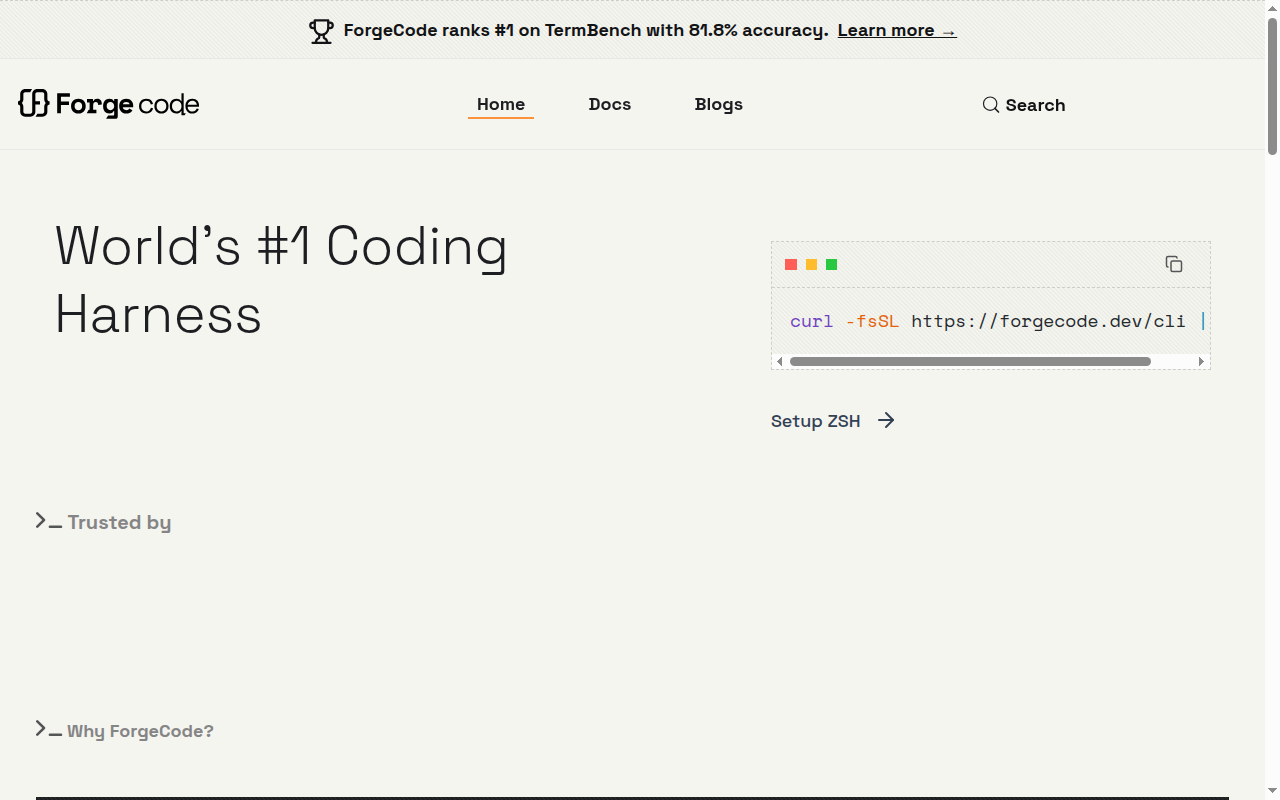
ForgeCode: A GitHub Copilot Alternative for Terminal-First Development
ForgeCode is a cli agent developed by Tailcall, Inc.. Its core differentiator is a terminal-native workflow that treats planning, code editing, and verification as one continuous session. As a GitHub Copilot alternative, it is best suited for developers who want more control over how AI actually works through a repository.
ForgeCode vs. GitHub Copilot: Quick Comparison
| ForgeCode | GitHub Copilot |
|---|
| Type | CLI Agent | IDE Extension / CLI |
| IDEs | Terminal and Zsh first; VS Code extension available; works on macOS, Linux, Android, and Windows via WSL or Git Bash | VS Code, JetBrains, Vim, Neovim, Visual Studio, Xcode |
| Pricing | Free tier with dynamic daily limits; Pro $20/month; Max $100/month | Free for students/OSS; Individual $10/mo; Business $19/mo; Enterprise $39/mo |
| Models | Works with Anthropic, OpenAI, Google, DeepSeek, Mistral, Meta, OpenRouter, Vertex AI, Groq, Bedrock, and custom providers; exact context size depends on the chosen model | OpenAI GPT-4o, Claude 3.5 Sonnet, Gemini 1.5 Pro (multi-model) |
| Privacy / hosting | Local CLI with optional ForgeCode Services runtime; custom providers and self-hosted endpoints are supported, while ForgeCode Services is a managed cloud layer | Cloud (GitHub/Microsoft) |
| Open source | Yes | No |
| Offline / local models | Yes | No |
Key Strengths
- Provider flexibility: ForgeCode is built for developers who do not want one vendor deciding their coding workflow. The docs cover first-class support for multiple providers plus custom endpoints, which makes it easier to route work across commercial APIs, enterprise gateways, or self-hosted setups. That is a meaningful differentiator from GitHub Copilot for teams that optimize around model choice or vendor independence.
- Strong retrieval and agent separation: ForgeCode pairs a terminal harness with named agents for research, planning, and execution. Its managed services layer is specifically framed around context retrieval, tool-call guardrails, and semantic search, which are pain points for many coding agents. That architecture is useful when you want more than inline completion and care about long-running tasks across larger repositories.
- Local and open-weight friendliness: The installation and provider docs explicitly mention open-weight models, local models, and custom providers. That makes ForgeCode especially relevant for teams that want to test cheaper, private, or region-specific model backends without giving up a modern agent harness. GitHub Copilot is easier to buy, but ForgeCode is easier to bend around a custom stack.
Known Limitations
- Zsh-centered setup: ForgeCode is clearly optimized around Zsh workflows, which is fine for many developer machines but still a real adoption constraint. Teams standardized on other shells need to decide whether the productivity upside is worth a setup shift or a mixed-shell compromise. That friction is small for enthusiasts and larger for broad enterprise rollouts.
- Managed services are not fully open: ForgeCode positions the harness as open source, but the services layer that powers retrieval and corrections is proprietary for now. That is not unusual, yet it means the most differentiated runtime behavior is not identical to a fully self-contained open-source stack. Buyers who need a purely local and fully inspectable setup should verify exactly which capabilities rely on the managed services layer.
Best For
Developers who want a terminal-native coding harness with explicit model choice instead of a single-provider default.
Teams experimenting with open-weight, local, or self-hosted backends while still wanting a polished agent workflow.
Users who like CLI tools but still want optional VS Code glue for precise code references.
Pricing
- Free: Dynamic request limit, usually 10 to 50 requests per day.
- Pro: $20 per month for up to 1,000 AI requests per day.
- Max: $100 per month for up to 5,000 AI requests per day.
Prices are subject to change. Check the official pricing page for current details.
Tech Details
- Type: CLI Agent
- IDEs: Terminal and Zsh first; VS Code extension available; works on macOS, Linux, Android, and Windows via WSL or Git Bash
- Key features: Zsh-native CLI harness with terminal-first interaction, Multi-agent architecture with muse, forge, and sage roles, ForgeCode Services for context retrieval, tool-call correction, and semantic search, Support for local, cloud, open-weight, and custom-provider models, VS Code extension for file and line references into CLI sessions
- Privacy / hosting: Local CLI with optional ForgeCode Services runtime; custom providers and self-hosted endpoints are supported, while ForgeCode Services is a managed cloud layer
- Models / context window: Works with Anthropic, OpenAI, Google, DeepSeek, Mistral, Meta, OpenRouter, Vertex AI, Groq, Bedrock, and custom providers; exact context size depends on the chosen model. Exact context size is not publicly documented at the product level.
Why ForgeCode Feels Different from a Typical Assistant
ForgeCode is not just pitching itself as another code-completion companion.
Its site repeatedly frames the product as a coding harness. That wording is important because it signals a workflow built around coordination, execution, and retrieval rather than just line suggestions.
For developers who already believe the real bottleneck is orchestration around coding, that framing makes immediate sense.
The Role of ForgeCode Services
The services layer is one of the main reasons ForgeCode is notable.
It promises better context retrieval, tool-call correction, and semantic search, all of which target common failure modes in long-running coding agents.
That means the product is not only about which model you pick. It is also about what runtime scaffolding surrounds the model while it works.
Who Should Be Careful Before Switching
Teams that live entirely inside mainstream IDE experiences may find ForgeCode more configurable than they actually need.
The product makes the most sense when you want control over providers, harness behavior, or local-model experiments.
If your priority is minimal setup and maximum familiarity, GitHub Copilot can still be the simpler purchase even when ForgeCode is more technically flexible.
What the Pricing Structure Signals
ForgeCode's public pricing is unusually easy to map to real usage compared with many agent products.
A permanent free tier lowers evaluation risk, while the jump to Pro and Max makes the intended audience clear: daily developers first, heavier agent operators second.
That structure also makes ForgeCode easier to compare with GitHub Copilot for solo builders who care about request volume and experimentation more than bundled enterprise policy.
When to Choose This Over GitHub Copilot
- Choose ForgeCode over GitHub Copilot when model flexibility and provider independence are more important than defaulting to Microsoft's ecosystem.
- Choose it when you want terminal-native planning, execution, and research agents rather than mostly editor-embedded assistance.
- Choose it when local models, custom providers, or self-hosted endpoints are part of your evaluation criteria.
When GitHub Copilot May Be a Better Fit
- GitHub Copilot may be a better fit if your team values turnkey IDE coverage and GitHub-native procurement more than harness flexibility.
- GitHub Copilot may also be easier for developers who do not want to adopt a Zsh-centric terminal workflow.
- If your organization wants one mainstream vendor for access management, billing, and support, Copilot can still be the lower-friction choice.
Conclusion
ForgeCode is a strong option for developers who think of AI coding as a harness problem rather than a completion problem.
It is more compelling than GitHub Copilot when flexibility, local-model friendliness, and CLI-native control matter most.
It is less compelling for teams that want a shell-agnostic, all-in-one managed experience with fewer architectural decisions to make.
Sources
FAQ
Is ForgeCode free?
Yes. ForgeCode has a permanent free tier with a dynamic daily request cap, and it also offers Pro and Max paid plans.
Does ForgeCode work with VS Code?
Yes. ForgeCode has an official VS Code extension that helps you reference files and lines directly into CLI conversations.
How does ForgeCode compare to GitHub Copilot?
ForgeCode is more CLI- and harness-oriented, with explicit model selection and custom-provider support, while GitHub Copilot is generally easier to adopt inside mainstream IDE workflows.
Can ForgeCode use local or self-hosted models?
Yes. The docs explicitly cover cloud providers, open-weight models, and custom-provider endpoints, including self-hosted gateways that speak supported API formats.