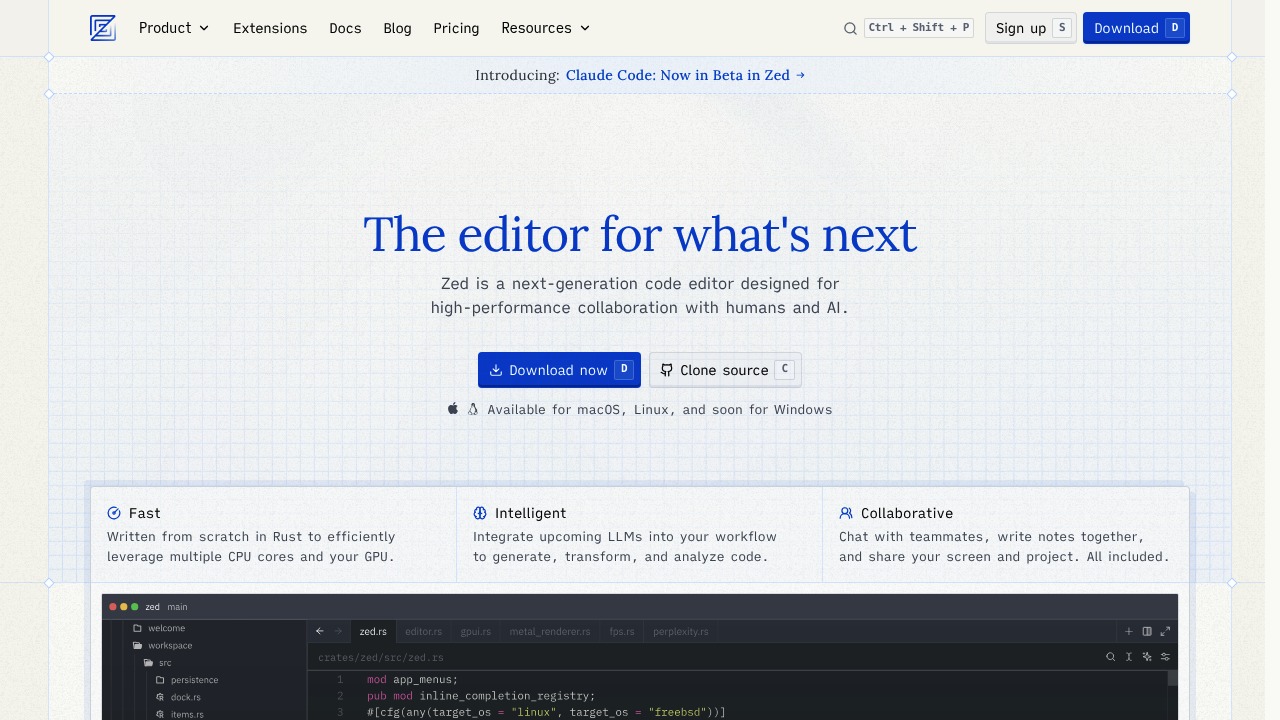
Zed - Github Copilot alternative
Zed provides a uniquely powerful interface for agentic engineering. The editor offers tools for native debugging support in multiple languages, agentic editing and edit prediction. Solo developers may prefer it for its speed-focused architecture and ability to use any LLM provider rather than being locked into a single AI service.
Strengths
- Built in Rust for hyper-responsive and collaborative coding experiences. The editor delivers native performance without Electron overhead.
- 50 Zed-hosted prompts per month and unlimited prompts with your own API keys on the free Personal plan. You can bring keys from Anthropic, OpenAI, Ollama, Google AI, and more.
- Supports Claude Sonnet 4, Claude Opus 4, and other major LLMs with context windows up to 200k tokens in Burn Mode. Models can use unlimited tool calls for expanded reasoning.
- True multiplayer collaboration included in all plans. Work simultaneously with team members in the same file with real-time cursors.
- Zero-data retention agreement with Anthropic when using Zed AI Services. Your code and prompts are not stored or used for model training.
- Open-source codebase allows community contributions and full transparency. You can audit the code and customize the editor to your needs.
Weaknesses
- Only stable releases for macOS and Linux; Windows users must build from source as Windows support is not finished yet. Full Windows parity is still in progress.
- Launched AI features in August 2024, relatively late to the AI party and still catching up with features that other editors have had for a while. The AI ecosystem is less mature than VS Code.
- Pro plan costs $20/month with usage-based billing beyond 500 prompts. Costs can increase unpredictably with heavy AI usage.
- Smaller extension ecosystem compared to VS Code. Third-party plugin availability is limited for specialized workflows.
Best for
Solo developers who prioritize editor performance and want flexibility to choose their preferred AI provider. Teams seeking real-time collaboration without sacrificing speed.
Pricing plans
- Personal — Free forever — 50 Zed-hosted prompts per month, 2000 accepted edit predictions, unlimited prompts with your own API keys. AI features require login.
- Pro — $20/month — 500 prompts per month, usage-based billing beyond 500, unlimited edit predictions, community support. 14-day free trial available.
- Enterprise — Custom pricing — Usage analytics, SSO, security & data privacy guarantees, shared billing, premium support. Contact sales for details.
Tech details
- Type: Native code editor with integrated AI agent panel
- IDEs: Standalone editor (macOS and Linux stable; Windows in development)
- Key features: Agentic editing with tool-use capabilities, inline assistant for code transformations, edit prediction (autocomplete), multiplayer collaboration, terminal integration, Model Context Protocol (MCP) support
- Privacy / hosting: Zero-data retention agreement with Anthropic for Zed-hosted AI services. Cloud-based AI when using Zed plans or bring-your-own-key with direct provider connections. Not self-hosted; editor runs locally with cloud AI services.
- Models / context window: Claude Sonnet 4 (120k standard, 200k Burn Mode), Claude Opus 4 (120k standard, 200k Burn Mode), Claude 3.5 Sonnet (60k), Claude 3.7 Sonnet (120k standard, 200k Burn Mode). Also supports OpenAI, Google Gemini, Ollama, DeepSeek, Mistral, GitHub Copilot, and others through custom API keys.
When to choose this over Github Copilot
- You want flexibility to switch between multiple AI providers without vendor lock-in. Zed supports 12+ LLM providers including local models via Ollama.
- You need hyper-responsive performance for collaborative coding experiences. The Rust-based architecture delivers speed that Electron-based editors cannot match.
- Privacy is critical and you value zero-data retention guarantees. Zed's agreement ensures your code isn't stored or used for training.
When Github Copilot may be a better fit
- You require stable Windows support immediately. Zed's Windows version requires building from source.
- You need mature AI features and extensive integration capabilities. GitHub Copilot has a longer development history and deeper VS Code ecosystem.
- You prefer staying within the VS Code environment with its massive extension marketplace. Zed's plugin ecosystem is still growing.
Conclusion
Zed delivers a Github Copilot alternative focused on raw speed and AI flexibility. Built from scratch in Rust, it offers native debugging support, agentic editing, and edit prediction. The zero-data retention policy and multi-provider support make it compelling for privacy-conscious developers who want control over their AI tooling. While the Windows version and extension ecosystem lag behind established editors, Zed's architecture positions it well for developers prioritizing performance and vendor independence.
Sources
FAQ
Q: Can I use Zed without any AI features?
Yes, Zed is first and foremost a code editor with blazing-fast performance, true multiplayer collaboration, and a focus on developer productivity. AI features are optional and can be completely disabled.
Q: What happens to my code when using Zed AI?
Zed has a zero-data retention agreement with Anthropic when using Zed AI Services. Zed does not persistently store user content or use user content to evaluate and improve AI features unless explicitly shared.
Q: How does usage-based billing work after exceeding the Pro plan limit?
Once you hit 500 prompts in a given month, Zed requests you enable overage billing with a spending cap to manage LLM costs. You'll be charged based on the models you use, with billing occurring every $20 spent or at month-end, whichever comes first.
Q: What is Burn Mode and when should I use it?
In Burn Mode, models can use large context windows up to 200k tokens and unlimited tool calls for expanded reasoning. Each subsequent request beyond the initial prompt counts as a prompt for metering. Use Burn Mode for complex agentic tasks requiring extensive context and reasoning.
Q: Can I use local models with Zed?
Yes. Zed supports local models through Ollama and LM Studio. You can download models like qwen2.5-coder and run them entirely on your machine without any cloud API calls.
Q: Does Zed work on Windows?
Zed only has stable releases for macOS and Linux; Windows users can build from source, but there's no stable Windows release yet as support is not finished. A stable Windows version is planned for the future.