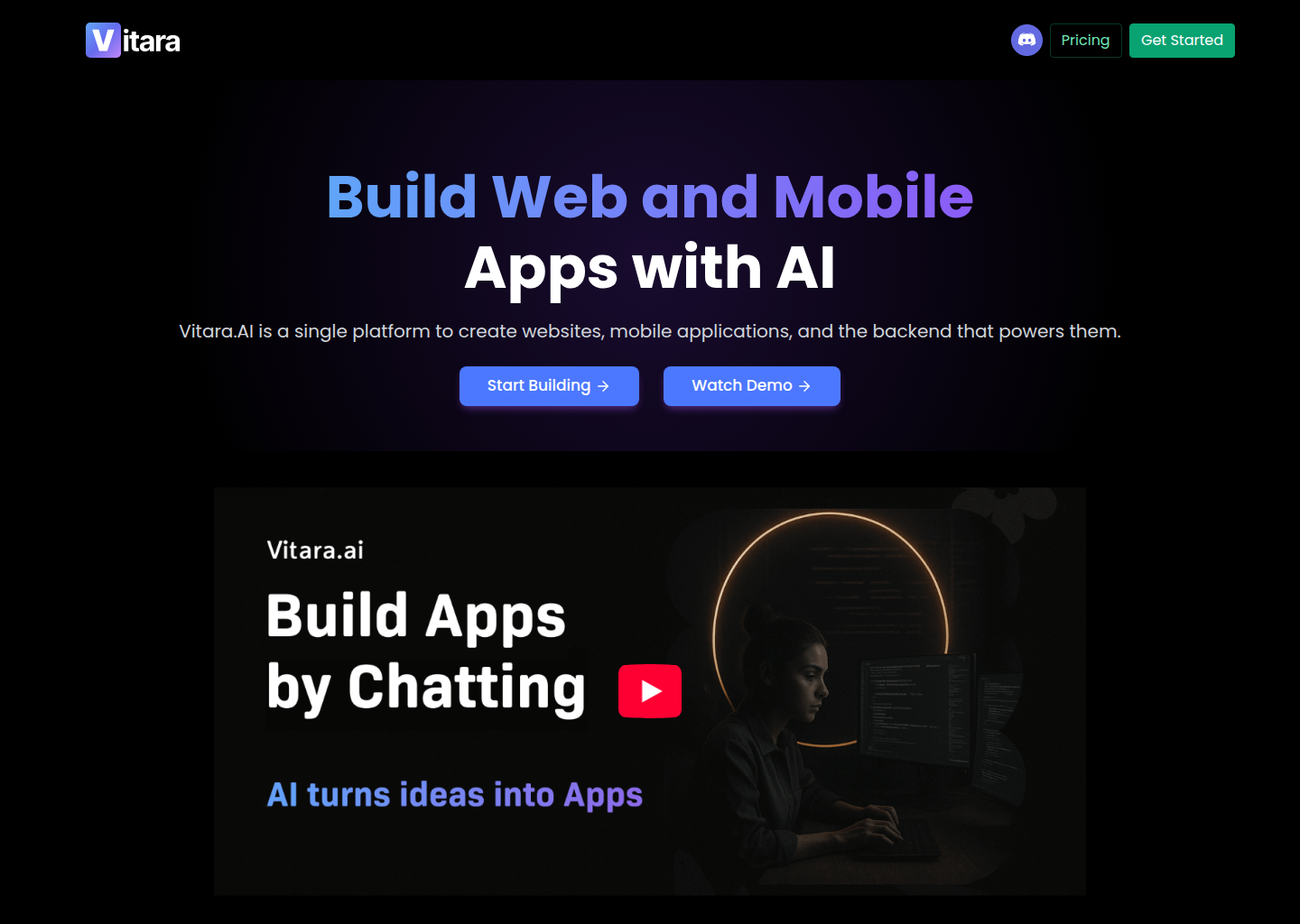
Vitara AI: A GitHub Copilot alternative for ai app builder workflows
Vitara AI is a AI App Builder developed by Vitara AI. Prompt-first AI app builder for product teams that want chat-based full-stack generation with downloadable code and custom-domain support. As a GitHub Copilot alternative, it is best suited for teams that want a different balance of control, interface, and workflow scope than a classic IDE assistant provides.
Quick Comparison
| Vitara AI | GitHub Copilot |
|---|
| Type | AI App Builder | IDE extension and chat / completion assistant |
| Primary surface | Hosted browser workflow centered on chat, previews, and deployment instead of an editor plugin | VS Code, JetBrains, Visual Studio, Xcode, Neovim, CLI |
| Pricing | The public pricing page says there is a free plan with no credit card required. | Free for students and OSS; Individual $10/mo; Business $19/mo; Enterprise $39/mo |
| Models | Vitara's public messaging is stronger on what the product helps you build than on how its deeper technical stack works, so exact provider and context-window details are not publicly documented | GitHub-managed multi-model routing on supported plans |
| Privacy / hosting | Hosted browser workflow with downloadable code and custom-domain features; deep self-hosting details are not public on the reviewed pages | Cloud (GitHub / Microsoft) |
| Open source | No | No |
| Offline / local models | No | No |
Key Strengths
- Clear product-builder positioning: Vitara AI explains itself in a way that is easy for product-oriented buyers to understand. It is selling a chat-led path from prompt to app, not a dense technical environment that assumes IDE habits first.
- Good balance between simplicity and ownership: Vitara is not only a disposable prototype surface. The public pricing story includes downloadable code and custom-domain support, which gives the product a more believable long-term path than platforms that never explain how you leave.
- Accessible evaluation path: A free plan with no credit card requirement lowers the barrier to honest testing. Teams can check whether the generation loop, previews, and product feel are useful before they commit to a paid workflow.
Known Limitations
- Less transparent technical depth: Vitara's public messaging is stronger on what the product helps you build than on how its deeper technical machinery works. Technical buyers will likely want a second validation step before betting heavily on it.
- Not designed for repository-first maintenance: Vitara is strongest when the work begins as product creation through chat. It is weaker when the main need is living inside a codebase, tracing bugs, or making disciplined multi-file edits over time.
- Hosted workflow changes engineering expectations: Teams that already know the repository must remain the unquestioned center of truth may see the hosted builder model as a mismatch rather than an accelerator.
Best For
Vitara AI is best for founders, startups, and product teams that want to compress ideation, generation, previewing, and deployment into a browser workflow. It works well when speed-to-first-product matters more than deep IDE ergonomics.
Pricing
- Free: The public pricing page says there is a free plan with no credit card required.
- Build: The same pricing page shows a Build plan at $20 per month.
- Scale: The public pricing page also shows a Scale plan at $50 per month for larger monthly usage.
Prices and free-tier terms can change. Check the official pricing source for current details.
Tech Details
- Type: AI App Builder
- IDEs: Hosted browser workflow centered on chat, previews, and deployment instead of an editor plugin
- Key features: chat-led full-stack generation, preview workflow, downloadable code, custom domains, browser-first collaboration, hosted app generation
- Privacy / hosting: Hosted browser workflow with downloadable code and custom-domain features; deep self-hosting details are not public on the reviewed pages
- Models / context window: Vitara's public messaging is stronger on what the product helps you build than on how its deeper technical stack works, so exact provider and context-window details are not publicly documented
Workflow Fit
The workflow fit is strongest when the team needs a builder before it needs an IDE. Vitara AI moves the center of activity into a browser chat surface where app generation, previews, and deployment all sit close together.
That can be valuable when the friction of getting started is more painful than the complexity of maintaining a project later, but it is still a different problem from what Copilot is designed to solve.
What Changes Compared with a Classic Copilot Workflow
The biggest shift is not model branding. It is operating model. GitHub Copilot is usually judged inside an editor-centered routine where inline suggestions, chat, and light task help happen beside normal coding. Vitara AI changes that center of gravity.
In practice, that means a buyer should ask whether the team wants the assistant to stay inside the current editor habit or whether it wants a bigger workflow change. Some teams genuinely benefit from a browser builder, a shell-native harness, or a broader agent surface. Other teams only need better suggestions in the tools they already use every day.
Operational Tradeoffs
Every credible coding or building tool has a hidden operational story behind the feature list. Teams are not only choosing where code gets generated. They are also choosing where review happens, how context is carried across tasks, how cost pressure shapes behavior, and whether the workflow still feels natural after the novelty wears off.
That is why Vitara AI should be judged on the habits it encourages. If it nudges the team toward a workflow that matches the real job, the product can outperform a more famous tool. If it nudges the team away from the daily reality of engineering, even strong capabilities can turn into overhead.
Implementation Considerations
Implementation success usually depends less on whether a product can generate code and more on whether the team can absorb the workflow it imposes. A team moving to Vitara AI should decide who owns prompts, where validation happens, how generated output is reviewed, and when a task should stay manual instead of being delegated.
The reviewed official sources make it clear that Vitara AI is designed around a specific operational center of gravity. When that center matches the team's real daily behavior, adoption feels natural. When it does not, even good features can end up underused because the surrounding workflow never becomes comfortable.
Adoption Notes
Adoption also depends on the maturity of the surrounding engineering process. Early-stage founders may value speed and flexibility first, while established teams may care more about repeatability, governance, editor fit, and whether the tool can carry context across many contributors without creating a second opaque workflow that nobody fully owns.
That is why the safest way to evaluate Vitara AI is to match it to one recurring job: shipping a feature, building an MVP, automating a research-heavy coding task, or getting a prototype into a stakeholder-visible state faster than a human-only process would allow. If it wins there consistently, broader rollout becomes much easier to justify.
Community Feedback
External profiles present Vitara AI as a practical browser builder with a clearer ownership story than many throwaway prototype tools because paid plans explicitly mention code download and custom domains.
The recurring attraction is speed and accessibility; the recurring concern is that public technical detail remains thinner than what a mature engineering buyer might want.
Decision Lens
A simple way to think about the decision is to ask what problem the tool is really solving. If the pain is inline acceleration inside an IDE, one class of product wins. If the pain is browser-led product formation, another class wins. If the pain is terminal automation and harness control, a different class wins again.
By that standard, Vitara AI should not be judged only on raw intelligence claims. It should be judged on whether its public workflow story lines up with the kind of engineering or product work your team repeats every week. When that fit is real, the product can outperform tools that look stronger on paper but pull the team toward the wrong operating model.
When to Choose This Over GitHub Copilot
- Choose Vitara AI when the team needs a builder before it needs an IDE.
- Choose Vitara AI when browser-based product generation and quick previews are more important than in-editor suggestions.
- Choose Vitara AI when downloadable code is enough ownership for the current phase and the goal is to ship something visible quickly.
When GitHub Copilot May Be a Better Fit
- GitHub Copilot may be a better fit when the main need is staying close to an existing repository and accelerating everyday engineering tasks inside the editor.
- GitHub Copilot may be a better fit when the team values predictable IDE habits over a hosted browser workflow.
- GitHub Copilot may be a better fit when deep codebase-native debugging and maintenance matter more than product-generation speed.
Conclusion
Vitara AI is a credible option for teams that want a different tradeoff than GitHub Copilot provides by default. The strongest case for it appears when the preferred workflow surface, governance needs, or customization appetite clearly match the product's public strengths.
If those conditions are true, Vitara AI can be the better operational choice even when GitHub Copilot remains the simpler or more familiar assistant. If those conditions are not true, the extra surface area or workflow change can become overhead instead of leverage.
Sources
FAQ
Does Vitara AI have a free plan?
Yes. The public pricing page says there is a free plan with no credit card required.
Can you download code from Vitara AI?
Yes. Downloadable code is referenced in the paid-plan story.
How does Vitara AI compare to GitHub Copilot?
Vitara AI is better when the immediate goal is launching a new product through a browser-led workflow. Copilot is better when the immediate goal is accelerating work inside an existing codebase.
Who should skip Vitara AI?
Teams that mostly need repository-native coding, debugging, and engineering control should generally prefer an IDE assistant instead.