Flatlogic: A GitHub Copilot alternative for ai app builder workflows
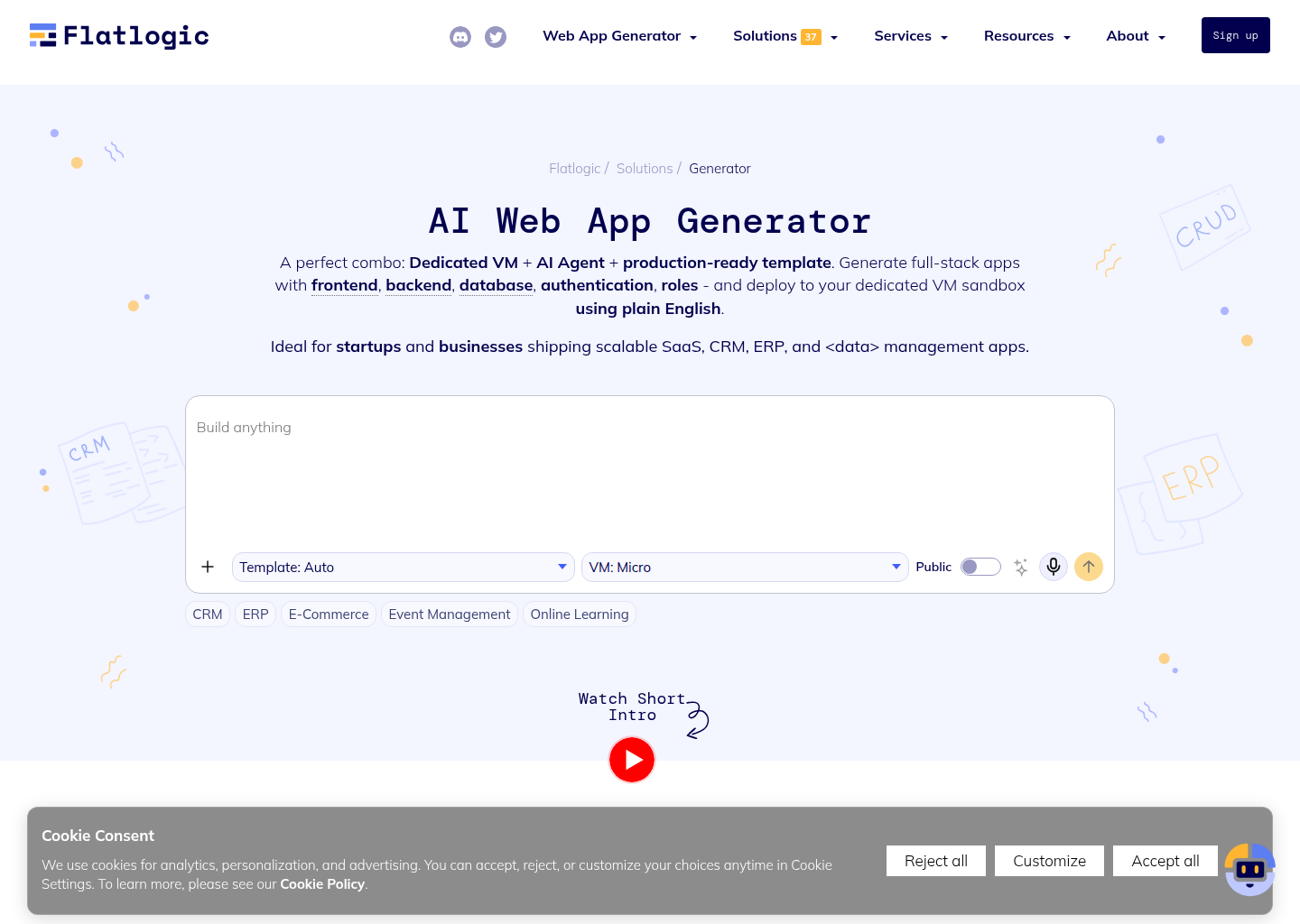
Flatlogic is a AI App Builder developed by Flatlogic. AI web application generator for startups and SMBs that produces full-stack business apps with frontend, backend, database, roles, and hosted VM deployment from plain-English prompts. As a GitHub Copilot alternative, it is best suited for teams that want a different balance of control, interface, and workflow scope than a classic IDE assistant provides.
Quick Comparison
| Flatlogic | GitHub Copilot |
|---|
| Type | AI App Builder | IDE extension and chat / completion assistant |
| Primary surface | Browser-based builder with code export and deployment workflows rather than a classic IDE plugin | VS Code, JetBrains, Visual Studio, Xcode, Neovim, CLI |
| Pricing | Free plan with 5 credits per month and up to 3 public apps, aimed at testing and prototypes | Free for students and OSS; Individual $10/mo; Business $19/mo; Enterprise $39/mo |
| Models | Not publicly documented | GitHub-managed multi-model routing on supported plans |
| Privacy / hosting | Dedicated VM deployment and hosted development or stable environments are part of the core offer, not an afterthought | Cloud (GitHub / Microsoft) |
| Open source | No | No |
| Offline / local models | No | No |
Key Strengths
- It starts from software structure, not demo-friendly prompt magic: Flatlogic immediately foregrounds stacks, databases, roles, and hosted environments. That makes it less magical than Lovable in the first five minutes, but often more honest about what production business apps actually need after the screenshot moment passes.
- It treats deployment and source control as part of the product: Lovable is better when the buyer mostly wants a fast product-shaped web app. Flatlogic is stronger when the buyer wants generated software that can be hosted, iterated, and moved closer to a normal engineering workflow.
- It is better suited to admin, workflow, and operations-heavy apps: The examples, templates, and pricing logic all suggest a platform optimized for CRMs, dashboards, portals, and internal business systems. That is a closer match than Lovable when the project is more operations software than brand-forward startup product.
Known Limitations
- It is less beginner-friendly: It is less beginner-friendly than Lovable because the product exposes infrastructure and software-delivery decisions earlier in the workflow.
- The template-plus-credits-plus-hosting model is: The template-plus-credits-plus-hosting model is more cognitively demanding than simpler AI app builders for non-technical founders who only want a polished first release.
Best For
startups, SMBs, agencies, internal-tool builders, and operators who want AI-generated SaaS, CRM, ERP, or dashboard apps with a more explicit backend, database, and deployment story
Pricing
- Free plan: Free plan with 5 credits per month and up to 3 public apps, aimed at testing and prototypes
- Paid plans: Pro starts at $20 per month with 25 credits, private apps, paid templates, and stable environments; Enterprise is custom-priced
- Pricing notes: Flatlogic separates cost into plan price, AI credits, hosting, and template licenses, which makes it more transparent for serious software work but less emotionally simple than Lovable's cleaner consumer-style builder plans.
Prices and free-tier terms can change. Check the official pricing source for current details.
Tech Details
- Type: AI App Builder
- IDEs: Browser-based builder with code export and deployment workflows rather than a classic IDE plugin
- Key features: Prompt-to-app generation plus iterative AI modifications on top of a production-ready template and hosted development environment, Limited compared with visual-first builders; the value comes more from generated software structure than from a design-canvas workflow, Dedicated VM deployment and hosted development or stable environments are part of the core offer, not an afterthought, Supported through push-to-GitHub and source-code download or ownership flows, Relational database support is first-class, with PostgreSQL, MySQL, and backend models built into the generated app structure, Authentication, roles, and access control are explicitly included in the product story and generated output
- Privacy / hosting: Dedicated VM deployment and hosted development or stable environments are part of the core offer, not an afterthought
- Models / context window: Not publicly documented
Workflow Fit
Compared with Lovable, Flatlogic fits teams that are already thinking about business logic, data models, hosting, and admin workflows before launch. It feels closer to AI-assisted software production than to vibe-coded product storytelling.
It is less ideal for solo founders who mainly want the smoothest path to a beautiful first release and only later plan to worry about backend or ownership details.
What Changes Compared with a Classic Copilot Workflow
The biggest shift is not model branding. It is operating model. GitHub Copilot is usually judged inside an editor-centered routine where inline suggestions, chat, and light task help happen beside normal coding. Flatlogic changes that center of gravity.
In practice, that means a buyer should ask whether the team wants the assistant to stay inside the current editor habit or whether it wants a bigger workflow change. Some teams genuinely benefit from a browser builder, a shell-native harness, or a broader agent surface. Other teams only need better suggestions in the tools they already use every day.
Operational Tradeoffs
Every credible coding or building tool has a hidden operational story behind the feature list. Teams are not only choosing where code gets generated. They are also choosing where review happens, how context is carried across tasks, how cost pressure shapes behavior, and whether the workflow still feels natural after the novelty wears off.
That is why Flatlogic should be judged on the habits it encourages. If it nudges the team toward a workflow that matches the real job, the product can outperform a more famous tool. If it nudges the team away from the daily reality of engineering, even strong capabilities can turn into overhead.
Implementation Considerations
Implementation success usually depends less on whether a product can generate code and more on whether the team can absorb the workflow it imposes. A team moving to Flatlogic should decide who owns prompts, where validation happens, how generated output is reviewed, and when a task should stay manual instead of being delegated.
The reviewed official sources make it clear that Flatlogic is designed around a specific operational center of gravity. When that center matches the team's real daily behavior, adoption feels natural. When it does not, even good features can end up underused because the surrounding workflow never becomes comfortable.
Adoption Notes
Adoption also depends on the maturity of the surrounding engineering process. Early-stage founders may value speed and flexibility first, while established teams may care more about repeatability, governance, editor fit, and whether the tool can carry context across many contributors without creating a second opaque workflow that nobody fully owns.
That is why the safest way to evaluate Flatlogic is to match it to one recurring job: shipping a feature, building an MVP, automating a research-heavy coding task, or getting a prototype into a stakeholder-visible state faster than a human-only process would allow. If it wins there consistently, broader rollout becomes much easier to justify.
Community Feedback
External writeups describe Flatlogic as stronger for full-stack business software than for casual prompt experimentation. The upside is structure, code ownership, and deployment honesty; the downside is a steeper learning curve and a more layered cost model.
Across external reviews, the repeating tradeoff is that Flatlogic can be stronger when the job is app formation and delivery, but weaker when the job is repository-native day-to-day engineering.
Decision Lens
A simple way to think about the decision is to ask what problem the tool is really solving. If the pain is inline acceleration inside an IDE, one class of product wins. If the pain is browser-led product formation, another class wins. If the pain is terminal automation and harness control, a different class wins again.
By that standard, Flatlogic should not be judged only on raw intelligence claims. It should be judged on whether its public workflow story lines up with the kind of engineering or product work your team repeats every week. When that fit is real, the product can outperform tools that look stronger on paper but pull the team toward the wrong operating model.
When to Choose This Over GitHub Copilot
- Choose Flatlogic when the real job is generating a structured full-stack business app rather than accelerating edits inside an existing repository.
- Choose Flatlogic when backend-aware scaffolding, database models, roles, and deployment setup matter more than inline completions.
- Choose Flatlogic when GitHub continuity and code ownership are more important than keeping the assistant inside a classic IDE workflow.
When GitHub Copilot May Be a Better Fit
- GitHub Copilot is a better fit when the team mainly works inside an existing repository and wants inline assistance without changing its development surface.
- GitHub Copilot is a better fit when editor-native chat, completions, and small iterative edits matter more than builder-led app generation.
- GitHub Copilot is a better fit when Flatlogic would add too much workflow change for a team that really needs a coding assistant, not an app-building platform.
Conclusion
Flatlogic is a credible option for teams that want a different tradeoff than GitHub Copilot provides by default. The strongest case for it appears when the preferred workflow surface, governance needs, or customization appetite clearly match the product's public strengths.
If those conditions are true, Flatlogic can be the better operational choice even when GitHub Copilot remains the simpler or more familiar assistant. If those conditions are not true, the extra surface area or workflow change can become overhead instead of leverage.
Sources
FAQ
Is Flatlogic free to try?
Yes. Free plan with 5 credits per month and up to 3 public apps, aimed at testing and prototypes
What kind of GitHub Copilot alternative is Flatlogic?
Flatlogic is positioned as a AI app builder rather than a classic IDE assistant. Its value comes from builder-first app creation, not just inline code suggestions.
Who should choose Flatlogic over GitHub Copilot?
Choose Flatlogic when the real job is generating a structured full-stack business app rather than accelerating edits inside an existing repository.
When should a team stay with GitHub Copilot instead?
GitHub Copilot is a better fit when the team mainly works inside an existing repository and wants inline assistance without changing its development surface.