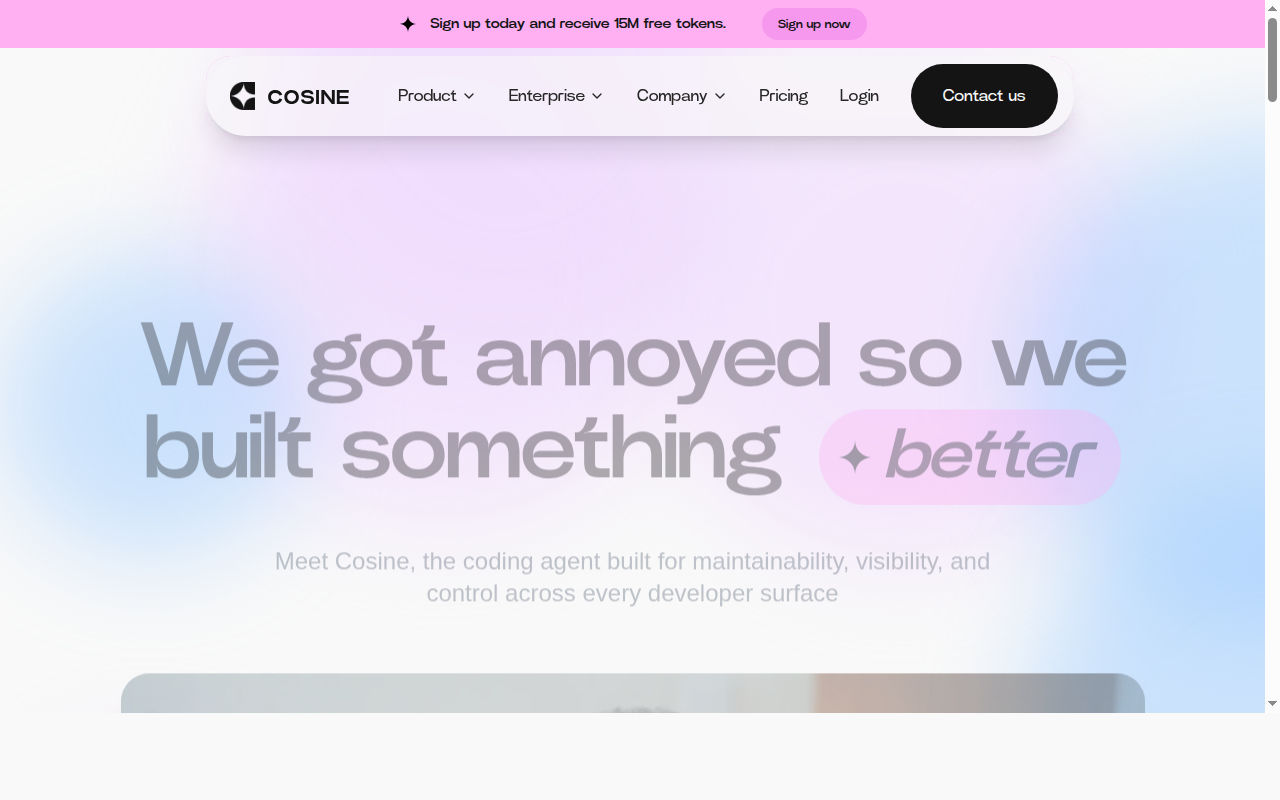
Cosine: A GitHub Copilot Alternative for Agentic Software Engineering
Cosine is an AI software engineering agent developed by Cosine AI (Y Combinator-backed). Available as a CLI, desktop app, and cloud platform, it autonomously plans, writes, tests, and iterates on code — acting as a senior engineer that can be handed off entire tasks. As a GitHub Copilot alternative, it is best suited for development teams who need autonomous, full-task execution rather than line-by-line autocomplete.
Cosine vs. GitHub Copilot: Quick Comparison
| Cosine | GitHub Copilot |
|---|
| Type | CLI Agent / Cloud Platform / Desktop App | IDE Extension / CLI |
| IDEs | Terminal CLI, desktop app, cloud browser UI | VS Code, JetBrains, Vim, Neovim, Visual Studio, Xcode |
| Pricing | Hobby: $20/seat/mo; Professional: $200/seat/mo; Enterprise: custom | Free for students/OSS; Individual $10/mo; Business $19/mo; Enterprise $39/mo |
| Models | 20+ frontier models (Claude, GPT, Gemini, Kimi, Qwen, Nemotron, etc.) | OpenAI GPT-4o, Claude 3.5 Sonnet, Gemini 1.5 Pro (multi-model) |
| Privacy / hosting | Cloud; dedicated tenant; fully air-gapped enterprise option | Cloud (GitHub/Microsoft) |
| Open source | No | No |
| Offline / local models | Enterprise air-gapped only | No |
Key Strengths
- Full-task autonomous execution: Cosine can accept a high-level description of a feature, bug fix, or refactor and autonomously plan, implement, test, and iterate — producing a complete diff or pull request. This goes far beyond GitHub Copilot's line-by-line suggestion model.
- Git-based checkpointing: Every agent turn creates a lightweight git commit, allowing developers to undo any change instantly. Nothing is permanent until explicitly accepted, giving full control over the agent's output without sacrificing productivity.
- Multi-surface, unified account: Cosine CLI, desktop, and cloud all share a single account and context — developers can start a task in the terminal and pick it up in the cloud or on mobile without migration or re-configuration.
- Swarm mode for parallel work: In Swarm mode, an orchestrator agent spawns multiple specialized child agents working in parallel on different parts of a large task. This dramatically reduces wall-clock time for complex, multi-file changes.
- Enterprise-grade deployment options: Cosine supports public cloud, dedicated single-tenant managed environments, and fully air-gapped deployments for regulated industries. Custom model weights and zero data egress are available for maximum security requirements.
Known Limitations
- Higher price point: At $20/seat/month for Hobby and $200/seat/month for Professional, Cosine costs significantly more than GitHub Copilot's $10/month individual tier. The price reflects its agentic, full-task execution model rather than completion-level assistance.
- Token-based capacity model: Cosine uses a monthly token pool per seat. Hobby seats include 5M tokens/month; Professional includes 60M. When the pool is exhausted, agent inference pauses until replenished or a top-up is purchased.
- No inline IDE completion: Cosine does not provide real-time, keystroke-level autocomplete in an IDE editor panel. It is an agentic task tool, not a completion assistant — developers who rely on Copilot's inline suggestions will need a separate tool for that workflow.
Best For
Cosine is best suited for engineering teams that regularly hand off medium-to-large coding tasks and want an autonomous agent that can execute them end-to-end with full visibility. It is particularly strong for teams building with Next.js, TypeScript, Python, or Go codebases, and for organizations with enterprise compliance requirements who need air-gapped or dedicated-tenant deployment options.
Pricing
- Hobby: $20/seat/month — includes 5M tokens per seat per month; token top-ups available at $20 per 5M tokens; full platform access.
- Professional: $200/seat/month — includes 60M tokens per seat per month; token top-ups available at $200 per 60M tokens; full platform access.
- Enterprise: Custom pricing — dedicated tenant, air-gapped, custom model weights, zero data egress, volume discounts.
Prices are subject to change. Check the official pricing page for current details.
Tech Details
- Type: CLI Agent / Cloud Platform / Desktop App
- IDEs: Terminal CLI, desktop app (macOS/Windows/Linux), cloud browser UI
- Key features: Autonomous task execution, git-based checkpointing (undo per turn), Swarm multi-agent mode, persistent project memory, MCP (Model Context Protocol) integrations, LSP language server integration, live task tracking, remote cloud agents
- Privacy / hosting: Cloud (default); dedicated managed tenant; fully air-gapped enterprise option; not trained on customer code
- Models / context window: 20+ frontier models including Claude Sonnet/Opus, GPT variants, Gemini Flash/Pro, Kimi K2.5, Qwen, Nemotron; context depends on selected model
When to Choose This Over GitHub Copilot
- You need an autonomous engineer that can complete entire features or bug fixes without step-by-step prompting
- Your team wants multi-agent parallel execution (Swarm mode) to tackle large-scale refactors or migrations faster
- You require enterprise deployment options including dedicated tenants, air-gapped infrastructure, or custom model weights
- You want to integrate your entire dev stack (GitHub, Jira, Linear, Slack, databases) via MCP into a single agent interface
- Auditability and rollback matter — every Cosine agent turn is a git commit that can be instantly undone
When GitHub Copilot May Be a Better Fit
- You primarily need fast, keystroke-level inline code suggestions in VS Code or JetBrains — Copilot's inline completion is purpose-built for this workflow
- Budget is a primary constraint — GitHub Copilot's $10/month individual plan is significantly more affordable than Cosine's Hobby tier at $20/seat/month
- Your team wants a lightweight tool without token pool management or seat-based capacity limits
Conclusion
Cosine is the right choice for engineering teams that want to move beyond autocomplete and into true autonomous software engineering. Its git-based checkpointing, Swarm multi-agent execution, and enterprise-grade security options make it a compelling upgrade for teams whose bottleneck is complex, multi-step coding work rather than keystroke suggestions. GitHub Copilot remains the better fit for developers who need inline completion speed in a familiar IDE context.
Sources
FAQ
Is Cosine free?
Cosine does not offer a permanently free tier. The Hobby plan starts at $20/seat/month with 5M tokens included. Enterprise pricing is custom. A free trial may be available — check the official site for current promotions.
Does Cosine work with VS Code?
Cosine does not integrate as a VS Code extension in the traditional sense. It operates as a standalone CLI, desktop app, and cloud platform. Developers using VS Code can use the Cosine CLI from the integrated terminal, but real-time inline editor suggestions are not part of the product.
How does Cosine compare to GitHub Copilot?
GitHub Copilot is an inline code completion assistant that integrates into IDEs. Cosine is an autonomous software engineering agent that can plan, write, test, and iterate on entire features from a high-level description. Copilot assists with individual lines and functions; Cosine executes multi-file tasks end-to-end with git-based rollback for every turn.
Does Cosine support air-gapped deployment?
Yes. Cosine offers fully air-gapped enterprise deployment with zero data egress, custom model weights on private GPUs or trusted GPU vendors, and complete infrastructure isolation. This option is designed for regulated industries, financial institutions, and defense contractors with strict data sovereignty requirements.