Aider
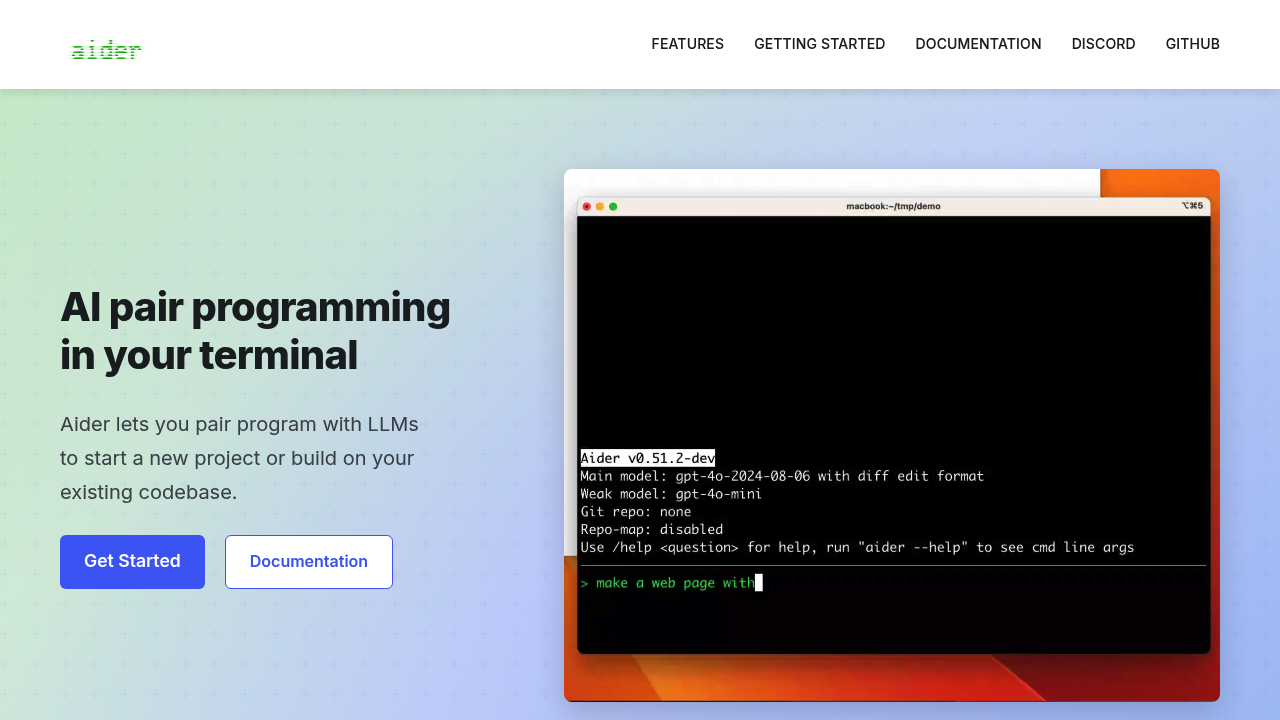
Terminal-based AI pair programmer that works with your existing codebase and preferred LLM.
Aider - Github Copilot alternative
Aider is a command-line AI coding assistant that lets you pair program with large language models on new or existing projects. It creates a map of your entire codebase to work effectively in larger projects. The tool automatically commits changes with sensible commit messages, allowing developers to manage and review AI-generated code using standard git workflows. Solo developers prefer it for model flexibility and direct terminal integration.
Strengths
- Works with Claude 3.7 Sonnet, DeepSeek R1 & Chat V3, OpenAI o1, o3-mini & GPT-4o, and can connect to almost any LLM including local models.
- Automatically commits changes with sensible commit messages, enabling familiar git workflows for diffing and reverting.
- Automatically lints and tests code after changes, with the ability to fix detected problems.
- Supports voice commands for requesting features, test cases, or bug fixes.
- Accepts images and web pages in chat for visual context, screenshots, and reference documentation.
- Supports most popular programming languages including Python, JavaScript, Rust, Ruby, Go, C++, PHP, HTML, and CSS.
Weaknesses
- Costs accumulate based on API usage; several hours of use can reach approximately $3 in API costs.
- Processing time can be significant, requiring users to wait for completions.
- Requires familiarity with command-line interfaces and terminal workflows.
- No built-in IDE features like inline suggestions during typing.
Best for
Developers comfortable with terminal workflows who want model flexibility and git-native version control.
Pricing plans
Aider itself is free and open-source. Costs depend on your chosen LLM API provider:
- API Usage — Pay-as-you-go — Approximately $0.007 per file processed, with total costs varying by model choice and usage intensity.
Tech details
- Type: Command-line AI pair programming tool
- IDEs: Works within VS Code terminal and other editors, with third-party VS Code plugins available
- Key features: Codebase mapping, automatic git commits, voice coding, lint/test integration, image and web page context, watch-files mode
- Privacy / hosting: Runs locally on your machine; data sent to chosen LLM API provider; supports local model hosting
- Models / context window: Claude 3.7 Sonnet, DeepSeek R1 & Chat V3, OpenAI o1, o3-mini, GPT-4o, and other LLMs; context size depends on selected model
When to choose this over Github Copilot
- You want complete control over which AI model powers your coding assistant.
- You prefer git-based version control over your AI's changes instead of inline suggestions.
- You work primarily in the terminal and want AI assistance in that workflow.
When Github Copilot may be a better fit
- You prefer IDE-integrated inline suggestions as you type without explicit commands.
- You want predictable monthly subscription pricing instead of variable API costs.
- You need extensive plugin ecosystem support across multiple JetBrains and Microsoft IDEs.
Conclusion
Aider serves as a Github Copilot alternative for developers who value terminal workflows and model flexibility. The tool's git-native approach and automatic commit generation provide transparent version control. While API costs vary based on usage intensity, the ability to switch between models offers cost optimization opportunities. Command-line proficiency is essential for effective use.
Sources
- Official site: https://aider.chat/
- Docs: https://aider.chat/docs/install.html
- GitHub: https://github.com/Aider-AI/aider
FAQ
Is Aider free to use?
Aider itself is free and open-source software. However, you pay for the underlying LLM API usage based on your chosen provider's rates.
What programming languages does Aider support?
Aider works with most popular programming languages including Python, JavaScript, Rust, Ruby, Go, C++, PHP, HTML, CSS, and dozens more.
Can I use Aider with local LLMs?
Yes. Aider can connect to almost any LLM, including local models, giving you complete control over data privacy and costs.
Does Aider integrate with VS Code?
You can run Aider inside a VS Code terminal window, and there are third-party Aider plugins available for VS Code.
How does Aider handle version control?
Aider automatically commits changes with sensible commit messages, allowing you to use familiar git tools to diff, manage, and undo AI changes.
What makes Aider different from browser-based AI coding tools?
Aider runs entirely in your terminal and integrates directly with your local git repository. It creates a map of your entire codebase to work effectively in larger projects and provides automatic testing and linting integration.