Kodezi: A GitHub Copilot Alternative for Autonomous Code Health and Bug Fixing
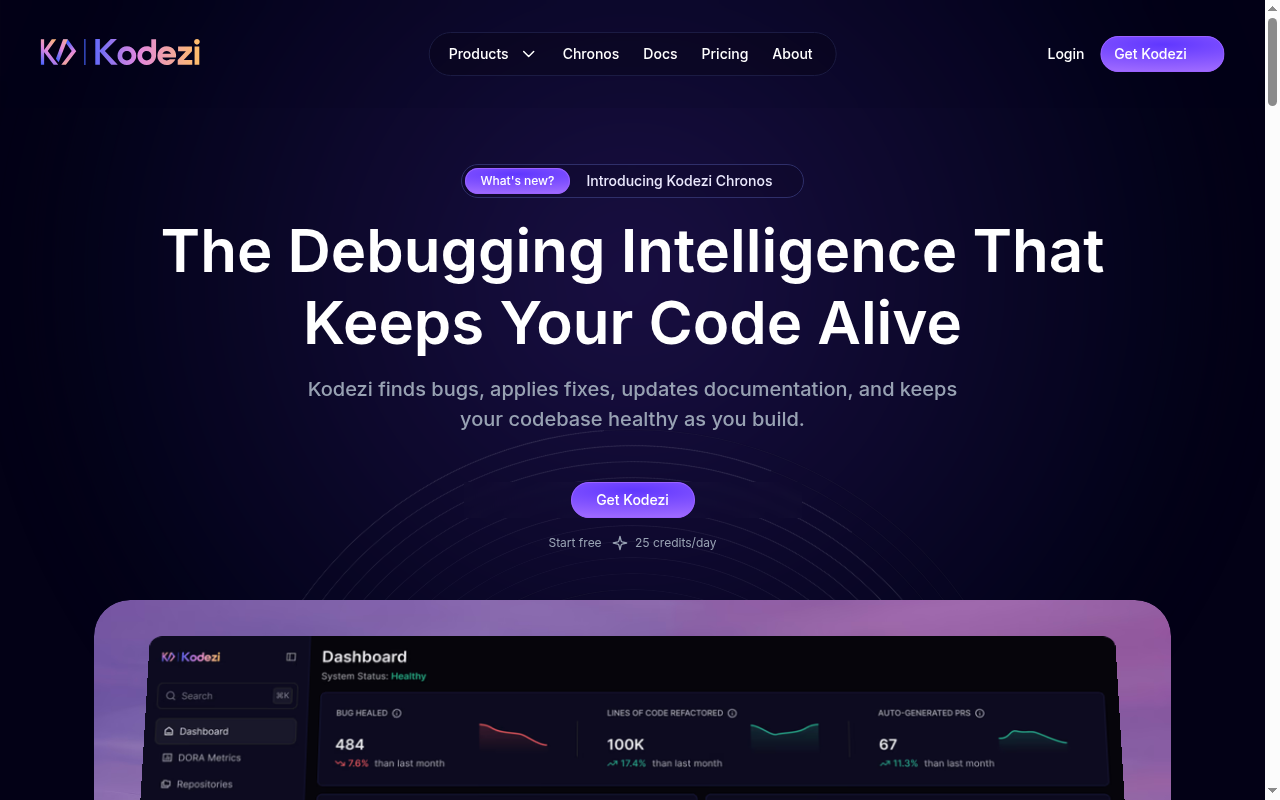
Kodezi is an AI-powered code health platform developed by Kodezi Inc. It autonomously detects bugs, applies intelligent fixes, updates documentation, and evolves codebases in real time. As a GitHub Copilot alternative, it is best suited for developers and engineering teams who want automated codebase maintenance, proactive debugging, and living documentation alongside their daily coding workflow.
Kodezi vs. GitHub Copilot: Quick Comparison
| Kodezi | GitHub Copilot |
|---|
| Type | IDE Extension + CLI Agent | IDE Extension / CLI |
| IDEs | VS Code, Web IDE (Kodezi Create), CLI | VS Code, JetBrains, Vim, Neovim, Visual Studio, Xcode |
| Pricing | Free (25 credits/day); Pro $9.99/mo; CLI + OS $59.99/mo/user | Free for students/OSS; Individual $10/mo; Business $19/mo; Enterprise $39/mo |
| Models | Chronos-1 and advanced code models (cloud) | OpenAI GPT-4o, Claude 3.5 Sonnet, Gemini 1.5 Pro (multi-model) |
| Privacy / hosting | Cloud (Kodezi-hosted) | Cloud (GitHub/Microsoft) |
| Open source | No | No |
| Offline / local models | No | No |
Key Strengths
- Autonomous Bug Detection and Fixing: Kodezi identifies issues in real time and applies precise fixes without requiring manual prompting. It handles PropType validation, missing imports, logic errors, and other common defects automatically. This reduces the cognitive load on developers during active coding sessions.
- Real-Time Code Refinement: Beyond bug fixing, Kodezi continuously refines code style, removes redundancy, and applies best practices across the codebase. It detects bloated patterns and replaces them with cleaner, more performant implementations. This makes it particularly useful for teams that want consistent code quality over time.
- Living Documentation and Smart PRs: The Kodezi CLI + OS plan includes a Smart PR Engine that auto-generates pull request descriptions and keeps documentation aligned with code changes. This removes a tedious manual step from the engineering workflow. Teams report fewer stale READMEs and better onboarding for new developers.
- Large Installed Base with Freemium Entry: Kodezi claims over 4 million users, suggesting wide adoption among individual developers and teams. The free tier provides 25 credits/day with access to all core tools including the web IDE and CLI. This makes it accessible for solo developers without upfront commitment.
- Kodezi OS for Autonomous Teams: The top-tier plan introduces Kodezi OS, described as infrastructure for autonomous development. It includes Self-Healing code capabilities, Cortex Dashboard, Memory API, and team collaboration integrations. This positions Kodezi as a longer-horizon autonomous coding platform beyond a simple code completion tool.
Known Limitations
- Cloud-Only Architecture: Kodezi does not support local model inference or self-hosted deployment. All AI processing occurs in Kodezi's cloud infrastructure. Developers with strict data privacy requirements or air-gapped environments cannot use Kodezi in its current form.
- VS Code Primary Focus: While Kodezi offers a web IDE and CLI, native JetBrains, Neovim, or other editor integrations are not prominently documented. Developers whose primary environment is IntelliJ IDEA, PyCharm, or WebStorm may find the integration experience limited compared to GitHub Copilot's broad IDE support.
- Credit-Based Limits on Free Plan: The free tier's 25 credits/day can be consumed quickly in an active coding session. Developers who rely on frequent AI assistance throughout the day may hit limits and need to upgrade to a paid plan.
- Newer / Less Established Ecosystem: Kodezi is a newer entrant compared to GitHub Copilot, which has deep integration with GitHub's issue tracker, PRs, and the broader Microsoft/Azure ecosystem. Teams heavily invested in GitHub workflows may find Copilot's native integrations more cohesive.
Best For
Kodezi is best suited for individual developers, small teams, and growing startups who want an AI coding assistant that goes beyond inline suggestions to actively maintain code quality. It is especially valuable for teams that ship frequently and want automated refactoring, bug detection, and PR documentation as part of their pipeline. The CLI + OS tier targets engineering teams building toward autonomous workflows where human review time is a bottleneck.
Pricing
- Kodezi Code (Free): $0/month forever — 25 credits/day, web IDE access, Kodezi Create, advanced code models.
- Kodezi Pro: $9.99/month — 100 credits/day, Kodezi Create + Web IDE Pro, Kodezi OS access, advanced models.
- Kodezi CLI + OS: $59.99/month per user — full CLI toolset, Kodezi OS, Smart PRs, Self-Healing, Dev Stack Integration, Memory API, Cortex Dashboard, team integrations, live support.
Prices are subject to change. Check the official pricing page for current details.
Tech Details
- Type: IDE Extension + CLI Agent
- IDEs: VS Code (extension), Kodezi Web IDE (browser-based), CLI (all terminals)
- Key features: Autonomous bug detection, real-time code refinement, living documentation, Smart PR engine, Kodezi OS, Self-Healing pipelines, Memory API, Cortex Dashboard, team collaboration integrations
- Privacy / hosting: Cloud (Kodezi-hosted)
- Models / context window: Chronos-1 (Kodezi proprietary) + advanced code models; context window not publicly documented
When to Choose This Over GitHub Copilot
- You want autonomous bug detection and fixing that runs continuously without manual prompting, not just reactive code completion.
- You need auto-generated PR descriptions and living documentation that stays in sync with code changes as part of the default engineering workflow.
- Your team is exploring agentic development where AI handles refactoring, healing, and maintenance tasks autonomously — not just inline suggestions.
- You prefer a freemium entry point with 25 credits/day at no cost before committing to a paid plan.
When GitHub Copilot May Be a Better Fit
- You need deep integration with JetBrains IDEs, Neovim, Visual Studio, or Xcode — environments where GitHub Copilot has mature, official support.
- Your team relies on GitHub's native issue tracker, PR review workflows, and Azure DevOps, where Copilot offers tighter ecosystem integration.
- You need multi-model flexibility (GPT-4o, Claude, Gemini) with user-selectable models, which GitHub Copilot now supports but Kodezi's model selection is less explicitly documented.
- You work in environments requiring offline capability or local model inference that Kodezi does not currently support.
Conclusion
Kodezi is a strong GitHub Copilot alternative for developers who want AI-powered code health maintenance — not just inline autocomplete. Its autonomous bug-fixing, living documentation, and Smart PR engine make it particularly compelling for teams who ship fast and want to reduce manual code review overhead. Developers who need broad IDE support beyond VS Code or air-gapped deployment should evaluate GitHub Copilot or self-hosted alternatives instead.
Sources
FAQ
Is Kodezi free?
Yes. Kodezi Code is free forever with 25 credits per day. It includes access to the web IDE, Kodezi CLI, and Kodezi Create. No payment card is required for the free tier.
Does Kodezi work with VS Code?
Yes. Kodezi has a VS Code extension that provides autonomous bug detection, real-time refinement, and code health features directly in the editor. The CLI works in any terminal environment across operating systems.
How does Kodezi compare to GitHub Copilot?
GitHub Copilot is primarily an inline code completion and chat assistant. Kodezi focuses on autonomous code health: it detects bugs, applies fixes, updates docs, and generates PR descriptions without requiring user prompts. Kodezi's OS tier adds self-healing pipelines, Memory API, and team collaboration tools that GitHub Copilot does not offer.
Can Kodezi run locally or offline?
No. Kodezi processes all AI tasks in the cloud. There is no support for local model inference or self-hosted deployment as of the current product offering. Developers who require offline AI coding assistance should look at tools like Continue, Tabby, or Refact.ai instead.