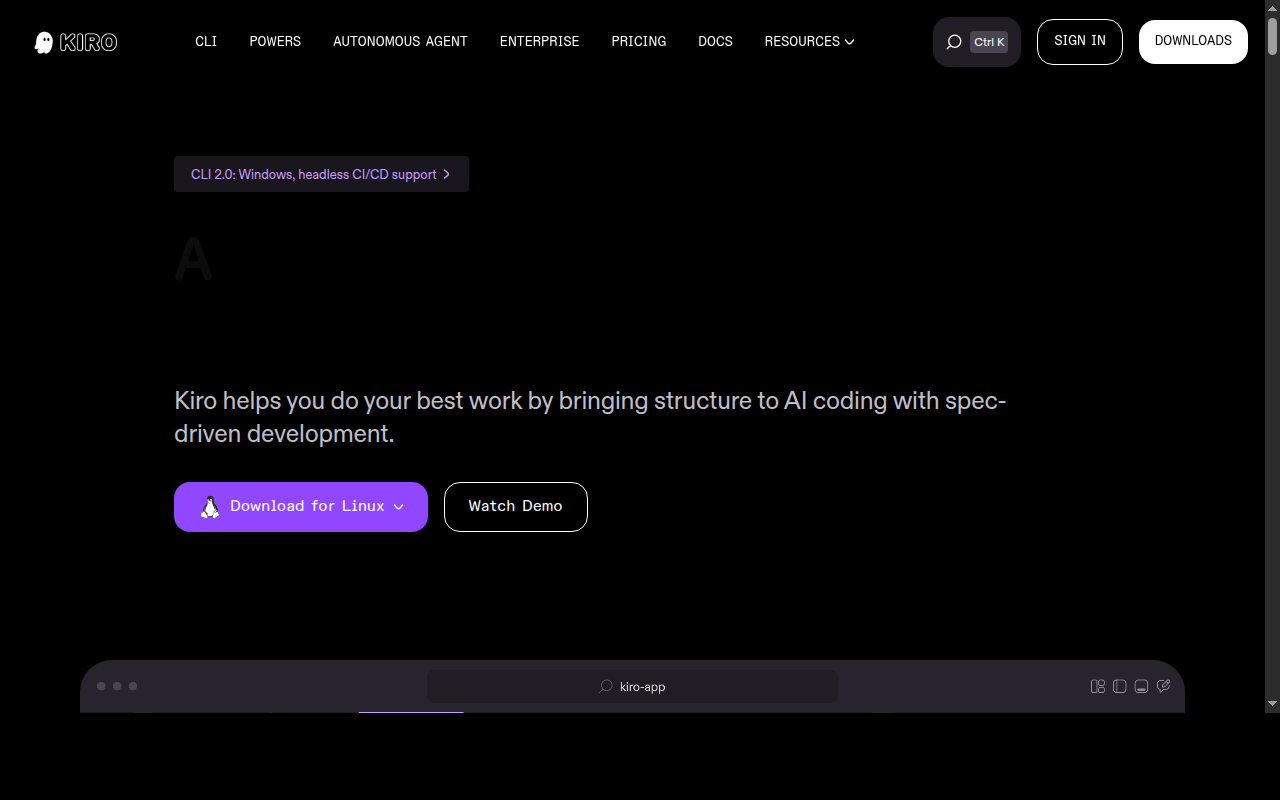
Kiro: A GitHub Copilot Alternative for Spec-Driven AI Development
Kiro is an AI-native IDE developed by Amazon (AWS), built around spec-driven development — a structured approach where AI executes against explicit written specifications rather than open-ended natural language prompts. As a GitHub Copilot alternative, it is best suited for developers and teams who need structured, production-grade AI coding workflows with deep AWS integration and autonomous agent capabilities.
Kiro vs. GitHub Copilot: Quick Comparison
| Kiro | GitHub Copilot |
|---|
| Type | AI IDE (standalone) | IDE Extension / CLI |
| IDEs | Standalone (VS Code-based), CLI available | VS Code, JetBrains, Vim, Neovim, Visual Studio, Xcode |
| Pricing | Free (50 credits/mo); Pro $20/mo (1,000 credits); Pro+ $40/mo; Power $200/mo | Free for students/OSS; Individual $10/mo; Business $19/mo; Enterprise $39/mo |
| Models | Claude Sonnet 4.5 + Auto (mix of frontier models) | OpenAI GPT-4o, Claude 3.5 Sonnet, Gemini 1.5 Pro (multi-model) |
| Privacy / hosting | Cloud (AWS Bedrock infrastructure); GovCloud inference routing available | Cloud (GitHub/Microsoft) |
| Open source | No | No |
| Offline / local models | No | No |
Key Strengths
- Spec-driven development: Kiro introduces executable specs — structured documents that define intent, requirements, and constraints before code is written. This dramatically reduces hallucinations and scope drift on complex features. The AI executes against your specs, not just your last prompt.
- Agent hooks and automation: Kiro supports agent hooks that trigger on events like file save. Agents run autonomously in the background, generating documentation, running tests, or optimizing code without manual intervention. This goes well beyond Copilot's reactive suggestion model.
- Steering files for project-wide control: Teams can define coding standards, preferred tools, and workflow rules in steering files that Kiro agents follow globally or per-project. This makes team-wide AI behavior consistent and auditable.
- MCP and context management: Native MCP integration allows Kiro to connect to databases, docs, and external APIs. Combined with smart context management, it handles complex multi-file changes with fewer follow-up prompts.
- AWS-native enterprise features: SAML/SCIM SSO via AWS IAM Identity Center, centralized team billing, GovCloud routing, and organizational management dashboard are available on paid and enterprise tiers.
Known Limitations
- Credit-based pricing model: Unlike Copilot's flat rate, Kiro uses credits. The free tier (50 credits/month) is very limited for daily use. Heavy agents can burn through Pro credits quickly, and overages at $0.04/credit add up fast.
- Standalone IDE only: Kiro is not an extension for JetBrains, Xcode, or other existing IDEs. Developers invested in non-VS Code environments will need to switch their editor entirely, which is a significant barrier for enterprise adoption.
- Cloud-only inference: There is no local model support. Organizations with strict air-gap requirements cannot use Kiro without special enterprise arrangements through AWS.
- Newer product with smaller community: Released in 2025, Kiro has a smaller ecosystem of plugins, extensions, and community resources compared to Copilot's established GitHub integration.
Best For
Kiro is best suited for development teams already in the AWS ecosystem who need structured, autonomous AI coding with strong governance. It excels for complex features where open-ended prompting leads to inconsistent results — the spec-driven approach keeps AI outputs predictable and traceable. Teams working on large codebases with multi-step workflows benefit most from agent hooks and steering files. Individual developers exploring autonomous coding will appreciate the free tier for evaluation.
Pricing
- Free: $0/month — 50 credits/month (+ 500 bonus credits on first sign-up, usable within 30 days)
- Pro: $20/month — 1,000 credits/month + pay-per-use overage at $0.04/credit
- Pro+: $40/month — 2,000 credits/month + pay-per-use overage
- Power: $200/month — 10,000 credits/month + pay-per-use overage
- Enterprise: Custom pricing through AWS — includes SAML/SCIM SSO, organizational management, enterprise security controls
Prices are subject to change. Check the official pricing page for current details. GovCloud pricing differs.
Tech Details
- Type: AI IDE (standalone, VS Code-based)
- IDEs: Standalone Kiro IDE; CLI available for macOS, Linux, Windows (via SSH)
- Key features: Spec-driven development, executable specs, agent hooks, steering files, MCP integration, smart context management, autonomous background agents, SAML/SCIM SSO
- Privacy / hosting: Cloud (AWS Bedrock); GovCloud inference routing available for enterprise
- Models / context window: Claude Sonnet 4.5; Auto mode (mix of frontier models); context window not publicly documented for specific plans
When to Choose This Over GitHub Copilot
- You work in the AWS ecosystem and need native Bedrock integration and GovCloud compliance routing
- Your team struggles with AI scope drift and needs structured, spec-driven workflows to keep agent outputs predictable
- You want autonomous background agents that trigger on file events without manual prompting
- Your organization requires enterprise SSO (SAML/SCIM via AWS IAM Identity Center) and centralized billing from a single cloud vendor
- You're building complex features across large codebases where multi-shot prompting breaks down
When GitHub Copilot May Be a Better Fit
- You need IDE flexibility — Copilot works in JetBrains, Xcode, Vim, Neovim, and Visual Studio, while Kiro is a standalone IDE only
- You prefer predictable flat-rate pricing — Copilot's $10/month Pro plan covers unlimited completions without credit concerns
- You rely heavily on GitHub's ecosystem (PR summaries, Copilot Workspace, issue-to-PR agents) that are natively embedded in GitHub.com
- You need local or offline model support, which Kiro does not currently offer
Conclusion
Kiro brings a fundamentally different philosophy to AI-assisted coding: instead of reactive suggestions, it executes against structured specs with autonomous background agents. Developers who feel that tools like GitHub Copilot lack predictability on complex multi-file features will find Kiro's structured approach compelling. The credit-based pricing and standalone IDE limitation are real trade-offs, but for AWS-centric teams building production-grade software, Kiro offers enterprise controls and spec-driven rigor that Copilot does not.
Sources
FAQ
Is Kiro free?
Yes, Kiro has a free tier with 50 credits per month. New users also receive 500 bonus credits on first sign-up (usable within 30 days). The free tier is limited for daily use; the Pro plan at $20/month includes 1,000 credits and is more suitable for regular coding work.
Does Kiro work with VS Code?
Kiro is a standalone AI IDE built on VS Code technology, but it is not a VS Code extension. You cannot add Kiro to an existing VS Code installation; instead, you install Kiro as a separate application. A CLI is also available for terminal use.
How does Kiro compare to GitHub Copilot?
Kiro uses a spec-driven approach where AI executes against structured specifications you write before coding. GitHub Copilot focuses on inline autocomplete and chat within your existing IDE. Kiro has deeper autonomous agent capabilities and better suited for complex projects, while Copilot works in more IDEs and has simpler flat-rate pricing.
What is spec-driven development in Kiro?
Spec-driven development means writing explicit, structured documents that define feature requirements, constraints, and acceptance criteria before the AI generates code. Kiro agents execute against these specs rather than interpreting open-ended prompts. This reduces hallucinations and makes AI outputs more predictable on complex features.