Kilo Code
Open-source AI coding assistant for planning, building, and fixing code with transparent pricing.
Kilo Code - Github Copilot alternative
Kilo Code accelerates development with AI-driven code generation and task automation through an open-source extension that plugs directly into VS Code. It offers transparent pricing with zero markup, model-agnostic flexibility, and no training on user code. Solo developers gain complete control over model selection and costs without vendor lock-in.
Strengths
- Extension is completely free and open-source with full source code access on GitHub.
- Charges 0% commission on API usage, with users paying exactly what providers like Anthropic, OpenAI, and Google charge.
- Supports multiple specialized modes including Code, Architect, Ask, Debug, and unlimited custom modes for different workflows.
- Integrates with MCP (Model Context Protocol) to add unlimited custom tools and external API connections.
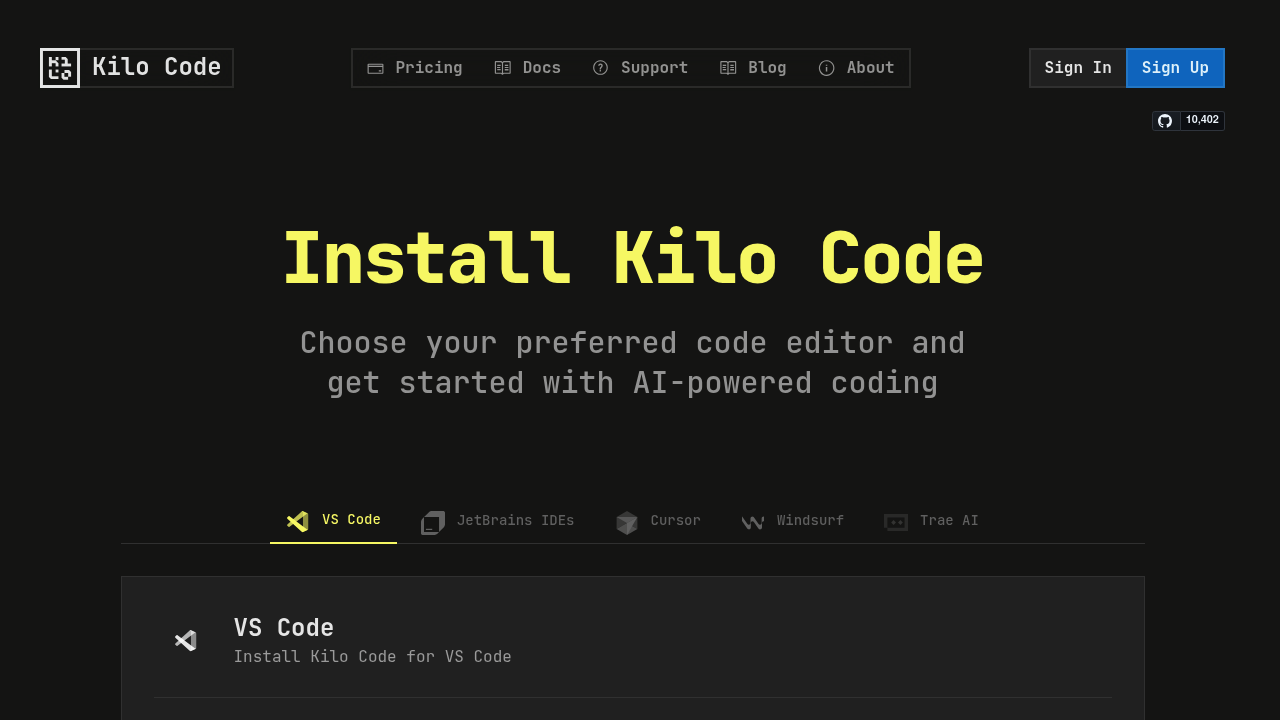
- Supports all 11 JetBrains IDEs including IntelliJ IDEA, PyCharm, WebStorm, and others.
- Provides access to 400+ AI models including Gemini 2.5 Pro, Claude 4 Sonnet & Opus, and GPT-5.
Weaknesses
- Requires manual API key management or paid API credits for most advanced models.
- Earlier iterations struggled with multi-file operations and complex context management.
- Enterprise features require paid plans for teams and large organizations.
- Smaller community compared to established commercial alternatives.
Best for
Solo developers and teams who prioritize open-source transparency, cost control, and model flexibility over integrated corporate solutions.
Pricing plans
- Open Source — Free/forever — Unlimited extension use, community support, bring-your-own API keys or use Kilo API provider.
- Kilo API Provider — Pay-per-use — $20 free credits to start, exact provider rates with 0% markup.
- Teams — $29/user/month — Centralized billing, team management dashboard, usage analytics, role-based permissions, priority support.
- Enterprise — $299/user/month — SOC II compliance, model/provider limits, SSO/OIDC/SCIM support, audit logs, custom SLA commitments, dedicated support.
Tech details
- Type: AI coding assistant extension
- IDEs: VS Code, Cursor, and all JetBrains IDEs (AppCode, CLion, DataGrip, DataSpell, GoLand, IntelliJ IDEA, PhpStorm, PyCharm, Rider, RubyMine, RustRover, WebStorm).
- Key features: Natural language code generation, refactoring and debugging, documentation writing, codebase Q&A, task automation, file/project creation, command execution, browser control, codebase search.
- Privacy / hosting: No training on user code, self-hosted extension, optional local model support via Ollama or LM Studio.
- Models / context window: Access to 400+ models including Claude 4 (Sonnet, Opus), GPT-5, Gemini 2.5 Pro, free models (Llama, Mistral), and local models. Context windows vary by model.
When to choose this over Github Copilot
- You want transparent pricing with zero markup and exact provider rates.
- You need full open-source code access with no vendor lock-in or data training guarantees.
- You require flexibility to switch between 400+ AI models based on task requirements and costs.
When Github Copilot may be a better fit
- You prefer integrated Microsoft/GitHub ecosystem with streamlined authentication and billing.
- You want inline code suggestions and tab-completion without explicit chat interactions.
- You need enterprise support directly from Microsoft with established SLAs and compliance certifications.
Conclusion
Kilo Code combines the best features of AI coding tools including Roo and Cline while maintaining a fully open-source approach. Its transparency in pricing and model selection addresses common frustrations with vendor lock-in. The business model prioritizes developer freedom by generating revenue from enterprise features rather than developer usage. This Github Copilot alternative suits developers who value control, transparency, and cost predictability over integrated convenience.
Sources
- Official site: https://kilocode.ai/
- Documentation: https://kilocode.ai/docs/
- Pricing: https://kilocode.ai/pricing
- GitHub repository: https://github.com/Kilo-Org/kilocode
FAQ
What makes Kilo Code different from Github Copilot?
Kilo Code is open-source with transparent pricing that charges zero markup on AI model usage, unlike Github Copilot's subscription model. Users can bring their own API keys, use free models, or run local models with complete flexibility.
Does Kilo Code support JetBrains IDEs?
Yes, Kilo Code supports all 11 JetBrains IDEs including IntelliJ IDEA, PyCharm, WebStorm, CLion, GoLand, PhpStorm, Rider, RubyMine, DataGrip, DataSpell, and RustRover.
Is my code used for training AI models?
No, Kilo Code does not train on your code. The open-source extension guarantees no data collection for model training purposes.
How much does Kilo Code cost to use?
The extension is completely free, with $20 in free API credits to start. After that, you pay exactly what AI providers charge with zero commission, or you can bring your own API keys for direct provider billing.
Can I use Kilo Code offline or with local models?
Yes, Kilo Code supports local AI models through Ollama and LM Studio for offline use or enhanced privacy. This allows development without internet connectivity or external API dependencies.
What are the different modes in Kilo Code?
Kilo Code offers specialized modes including Code Mode (general tasks), Architect Mode (planning), Ask Mode (Q&A), Debug Mode (problem diagnosis), and unlimited Custom Modes for specialized workflows like security auditing or performance optimization.