Dyad: A GitHub Copilot Alternative for AI App Builder Workflows
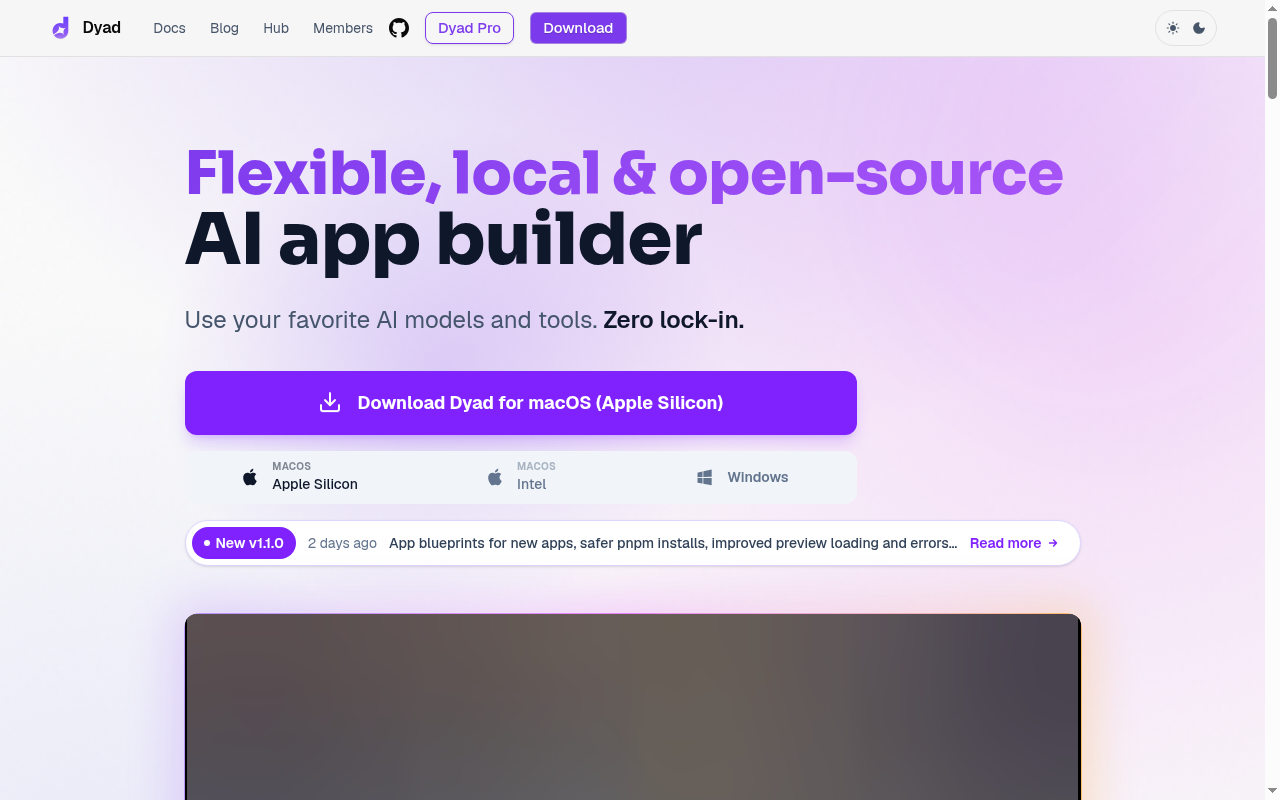
Dyad is a ai app builder developed by Dyad. A local, open-source AI app builder for macOS and Windows that emphasizes ownership, bring-your-own-model flexibility, and exportable code. As a GitHub Copilot alternative, it is best suited for founders, solo builders, and technical product teams who want to generate, inspect, and ship real full-stack app code locally without being locked into a hosted ai builder.
Dyad vs. GitHub Copilot: Quick Comparison
| Dyad | GitHub Copilot |
|---|
| Type | AI App Builder | IDE Extension / CLI |
| IDEs | Standalone local app for macOS and Windows with GitHub/Vercel publishing and MCP extension support | VS Code, JetBrains, Vim, Neovim, Visual Studio, Xcode |
| Pricing | Dyad Free Free; Dyad Pro $20/month; Dyad Max $79/month | Free for students/OSS; Individual $10/mo; Business $19/mo; Enterprise $39/mo |
| Models | OpenAI, Google, Anthropic, free models, and documented local options such as Qwen 3.6 27B Local | OpenAI GPT-4o, Claude 3.5 Sonnet, Gemini 1.5 Pro (multi-model) |
| Privacy / hosting | Local-first desktop app; your code stays on your machine, with optional cloud services you connect yourself | Cloud (GitHub/Microsoft) |
| Open source | Yes | No |
| Offline / local models | Yes | No |
What Dyad Actually Offers
A local, open-source AI app builder for macOS and Windows that emphasizes ownership, bring-your-own-model flexibility, and exportable code.
The official product materials position Dyad as a ai app builder rather than a simple autocomplete layer. That distinction matters because developers often compare Copilot with tools that solve a broader workflow problem, such as multi-step code generation, app scaffolding, cross-device development, or hosted execution environments.
From a buyer's perspective, the practical question is not whether Dyad can suggest code, but whether it can improve the end-to-end work you care about. The strongest reason to shortlist Dyad is that it reshapes part of the software delivery loop through local app building, Supabase integration, built-in security reviews, GitHub and Vercel publishing, MCP support, import/export, open-source codebase.
Key Strengths
- Ownership and portability: Dyad is explicit about zero lock-in. You can export code, switch models, and move between Dyad and other tools without being trapped in a proprietary runtime.
- Local-first workflow: The product runs locally and supports local or bring-your-own-model setups. That is valuable for builders who care about privacy, cost control, or independence from a single hosted vendor.
- App-builder depth: Dyad goes beyond autocomplete by scaffolding full-stack apps, connecting services like Supabase, and checking for issues such as SQL injection or XSS. That makes it a stronger alternative for people using Copilot to build greenfield products, not just edit code.
Known Limitations
- Not an IDE plugin: Dyad is not trying to mimic Copilot inside a traditional editor. If your workflow depends on staying inside VS Code or JetBrains all day, it may feel like a different category of tool.
- Some premium capability is paywalled: The free plan is generous, but advanced large-codebase modes and bundled credits live in Pro and Max. Heavy users may eventually compare the economics with other builders.
- Desktop OS scope is narrower: The public download flow emphasizes macOS and Windows. Teams that want a standardized Linux desktop experience may need to verify fit before adopting it broadly.
Best For
Founders, solo builders, and technical product teams who want to generate, inspect, and ship real full-stack app code locally without being locked into a hosted AI builder. It is particularly compelling for teams that want more than inline completion and expect the tool to participate in planning, code generation, environment setup, or deployment. Compared with GitHub Copilot, Dyad is easier to justify when the workflow itself is the product advantage, not only the model output.
In practice, Dyad makes the most sense when developers are intentionally evaluating alternatives to GitHub Copilot because they want more control, a different deployment model, or broader product workflow support. If that is your situation, the product's positioning is much easier to defend than if you only need occasional inline suggestions.
Pricing
- Dyad Free: Free — Local open-source app builder, no sign-up, bring your own API key
- Dyad Pro: $20/month — Large-codebase modes, 200 AI credits/month, Dyad Academy access
- Dyad Max: $79/month — 900 AI credits/month, prioritized office hours, reload credits
Prices are subject to change. Check the official pricing page for current details.
Tech Details
- Type: AI App Builder
- IDEs: Standalone local app for macOS and Windows with GitHub/Vercel publishing and MCP extension support
- Key features: local app building, Supabase integration, built-in security reviews, GitHub and Vercel publishing, MCP support, import/export, open-source codebase
- Privacy / hosting: Local-first desktop app; your code stays on your machine, with optional cloud services you connect yourself
- Models / context window: OpenAI, Google, Anthropic, free models, and documented local options such as Qwen 3.6 27B Local
Dyad positions itself around ai app builder workflows rather than just inline code suggestions. The official sources emphasize local app building, Supabase integration, built-in security reviews, GitHub and Vercel publishing, MCP support, import/export, open-source codebase. When exact internal implementation details are not documented publicly, this listing calls that out instead of guessing.
One practical difference versus GitHub Copilot is operational scope. Copilot is usually easiest to understand as an assistant that lives inside an established development surface, while Dyad is trying to influence how you build, review, run, or ship software across a wider workflow boundary.
When to Choose This Over GitHub Copilot
- Choose Dyad over GitHub Copilot when you want a local-first AI app builder instead of a code assistant layered into an editor.
- Choose Dyad when ownership, exportability, and model flexibility matter more than GitHub-native convenience.
- Choose Dyad when you are building net-new products and want the tool to handle app structure, security checks, and deployment plumbing.
These advantages are strongest when your team has already outgrown a one-size-fits-all coding assistant. If you find yourself wanting more control over providers, architecture flow, local execution, or full-stack generation, Dyad starts to look less like a niche alternative and more like a better category fit.
When GitHub Copilot May Be a Better Fit
- GitHub Copilot may be a better fit if your work is mainly incremental coding inside an existing IDE and repository.
- Copilot can be easier for enterprise teams that want a familiar plugin and standardized GitHub workflows instead of a separate builder surface.
- Copilot may suit developers who do not need an app-builder opinion or local-first product model.
This is an important trade-off to be honest about. The best Copilot alternatives are not always better in every dimension. They are better for specific constraints, such as local-first operation, richer app scaffolding, stronger review controls, or a browser-native environment.
How It Compares in Real Evaluation Scenarios
When teams compare Dyad against GitHub Copilot, the conversation usually comes down to one of four things: setup friction, provider choice, workflow coverage, and governance. Dyad competes best when its broader workflow story solves a real pain point, because that creates a durable reason to switch instead of a novelty-based reason.
A second consideration is commercial clarity. Dyad publishes a product story and pricing model that can be compared with Copilot at the budget-planning stage. That matters for founders, engineering managers, and consultants who need to decide whether they are paying for model access, developer control, app-building leverage, or all three together.
Finally, there is the question of user fit. Some developers will prefer the familiarity of GitHub Copilot because it stays out of the way. Others will prefer Dyad because it creates a more opinionated and productive workflow. A good shortlist decision should match the work style of the team, not only the benchmark reputation of the model behind it.
Operational Fit and Adoption Notes
Dyad is especially relevant for builders who want ownership of the generated application rather than dependence on a hosted black box. That is why the product feels closer to a local product-building environment than to a classic IDE assistant, and why it makes more sense for greenfield work than for tiny edits inside an existing repository.
The local-first approach also changes the budget conversation. Teams can start with the free local workflow and only pay for premium modes when the project scope actually warrants them. That is different from starting with a mainstream assistant subscription and then adding separate deployment, scaffolding, and review tools around it.
In practical evaluation, Dyad works best when the goal is producing application structure, not only accelerating hand-written code. If the team mostly wants help inside an established IDE workflow, GitHub Copilot may remain more natural. If the team wants stronger portability and a clearer product-building angle, Dyad has a more durable reason to switch.
Conclusion
Dyad is a credible choice for developers who like the idea of AI-assisted coding but want a different operating model from GitHub Copilot. If you value ai app builder depth, workflow control, or deployment scaffolding more than Copilot's mainstream simplicity, Dyad is worth serious consideration. If your priority is a lighter, conventional assistant inside an existing GitHub-heavy setup, GitHub Copilot can still be the easier fit.
Sources
FAQ
Is Dyad open source?
Yes. Dyad markets itself as a local, open-source AI app builder and links to its public GitHub repository.
Is Dyad free?
Yes, there is a free plan with local app building and bring-your-own API keys. Pro and Max add credits and premium modes.
Can Dyad work with local models?
Yes. Dyad publicly references support for local and free models, including a local Qwen option on the homepage.
How is Dyad different from GitHub Copilot?
Copilot focuses on helping you write code inside an IDE. Dyad focuses on generating and shipping full applications with more structure, portability, and local control.