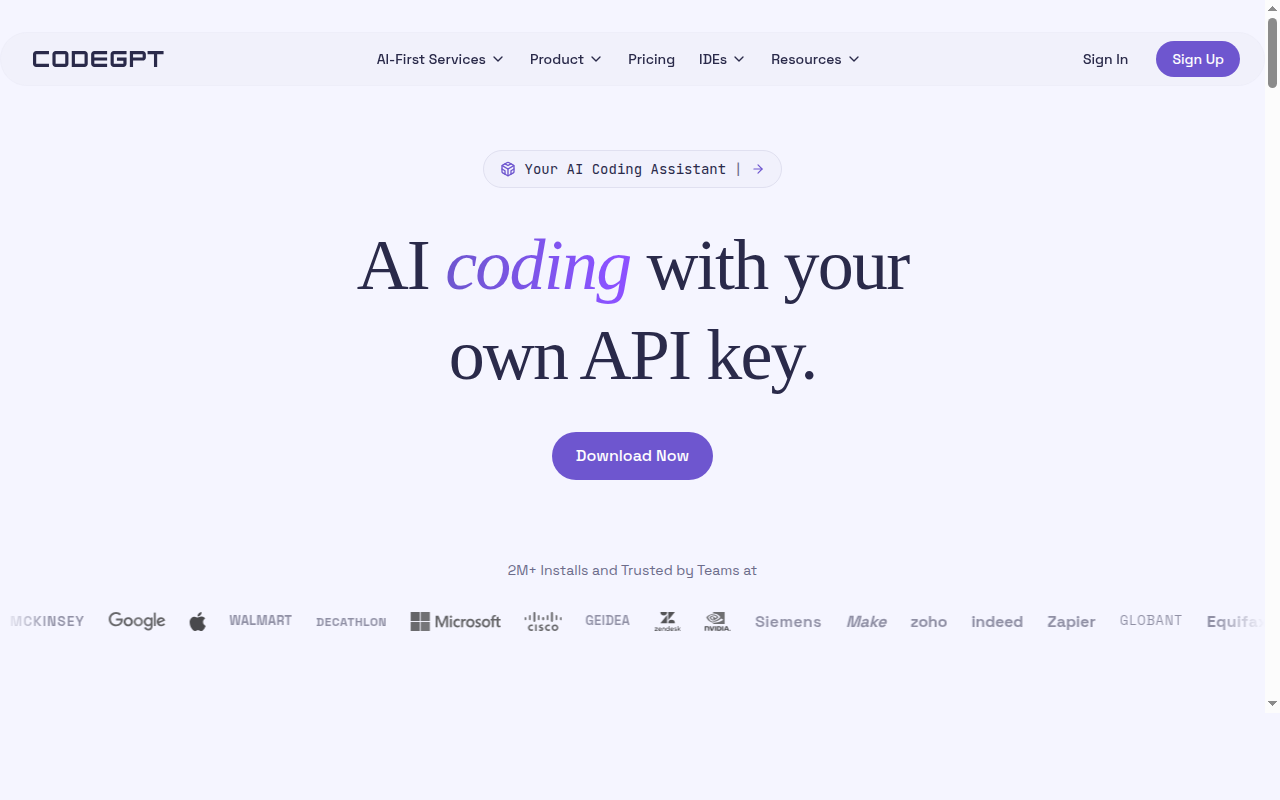
CodeGPT: A GitHub Copilot Alternative for BYOK IDE Extension Users
CodeGPT is an AI coding assistant extension for VS Code and JetBrains IDEs, developed by Daniel Sanchez and the CodeGPT team, with 2M+ installs. It operates on a bring-your-own-key (BYOK) model, letting developers plug in API keys from any of 15+ AI providers — including OpenAI, Anthropic, Google, xAI, Meta, Mistral, and AWS Bedrock — or purchase token credits directly from CodeGPT. As a GitHub Copilot alternative, it is best suited for developers who want full model flexibility and cost control inside familiar IDEs without being locked into a single provider.
CodeGPT vs. GitHub Copilot: Quick Comparison
| CodeGPT | GitHub Copilot |
|---|
| Type | IDE Extension (VS Code, JetBrains) | IDE Extension / CLI |
| IDEs | VS Code, JetBrains (IntelliJ, PyCharm, WebStorm, etc.) | VS Code, JetBrains, Vim, Neovim, Visual Studio, Xcode |
| Pricing | Free (BYOK); AutoComplete Add-on $6.67/mo/seat (billed annually) | Free for students/OSS; Individual $10/mo; Business $19/mo; Enterprise $39/mo |
| Models | 15+ providers: GPT-4o/5, Claude 4.5/Opus, Gemini Pro, Grok, Llama, Mistral, Cohere, and more | OpenAI GPT-4o, Claude 3.5 Sonnet, Gemini 1.5 Pro (multi-model) |
| Privacy / hosting | BYOK: your keys, your provider's infrastructure; local models via Ollama | Cloud (GitHub/Microsoft) |
| Open source | Open source VS Code extension | No |
| Offline / local models | Yes (Ollama, LM Studio) | No |
Key Strengths
- True BYOK model flexibility: CodeGPT connects to 15+ AI providers using your own API keys — GPT-5, Claude 4.5 Opus, Gemini Pro, Grok, Llama, Mistral, Cohere, AWS Bedrock, Azure OpenAI, and more. Developers can swap models at any time without changing their IDE or workflow.
- Local model support: CodeGPT supports local models through Ollama and LM Studio out of the box. This enables fully offline coding assistance, important for developers in air-gapped environments or those managing sensitive codebases.
- Agentic planning mode: Beyond autocomplete, CodeGPT includes an agentic mode with planning for complex multi-step tasks. The agent studies the codebase, creates a plan, and executes with full visibility — showing file reads, option evaluation, and suggested edits before applying changes.
- Cost transparency: With BYOK, developers pay model providers directly at exact API rates with no markup. The AutoComplete Add-on adds unlimited autocomplete at $6.67/mo/seat annually — significantly cheaper than GitHub Copilot Business at $19/mo per user.
- MCP and external integrations: CodeGPT supports Model Context Protocol (MCP), enabling connections to APIs, documentation systems, databases, and external tools directly within the coding assistant workflow.
Known Limitations
- API key management overhead: BYOK requires developers to obtain, rotate, and manage their own API keys from multiple providers. While this gives cost control, it adds operational overhead compared to GitHub Copilot's single managed subscription.
- Limited IDE coverage vs. Copilot: CodeGPT is available for VS Code and JetBrains, but does not cover Vim, Neovim, Visual Studio, or Xcode — which GitHub Copilot supports natively. Developers using those editors will need a different tool.
- No native CLI agent: CodeGPT is primarily an IDE extension. It does not offer a terminal-native agentic workflow like Claude Code, OpenCode, or Aider for pure command-line coding workflows.
Best For
CodeGPT is best suited for VS Code and JetBrains developers who want the freedom to use any frontier AI model without paying a per-seat markup or committing to a single provider. It is particularly strong for teams that want cost visibility, model switching flexibility, and local model support — without leaving their IDE. The AutoComplete Add-on makes it cost-effective for teams already paying for AI API access elsewhere.
Pricing
- Free (BYOK): $0 — full access to all AI models via your own API keys; 30 free interactions included; rate limits apply per your chosen provider.
- AutoComplete Add-on: $6.67/seat/month (billed annually) — adds unlimited AI autocomplete + advanced agentic mode with planning; autocomplete usage is included in the plan price, not deducted from API credits.
- AI-First Services (Enterprise): Custom pricing — AI Voice Agents, omnichannel agents, custom workflows, SSO, self-hosted or cloud deployment.
Prices are subject to change. Check the official pricing page for current details.
Tech Details
- Type: IDE Extension
- IDEs: VS Code, JetBrains (IntelliJ IDEA, PyCharm, WebStorm, and more)
- Key features: BYOK from 15+ providers, local model support (Ollama, LM Studio), unlimited interactions with own keys, agentic planning mode, MCP integrations, rules engine for code standards, live context tracking, terminal integration
- Privacy / hosting: BYOK — code goes to your chosen provider; local model option for zero external data transfer; enterprise self-hosted deployment available
- Models / context window: Any model from any supported provider: GPT-4o/5, Claude 4.5/Haiku/Opus, Gemini Flash/Pro, Grok, Llama, Mistral, Cohere Command, and many more; context window depends on the selected model and provider
When to Choose This Over GitHub Copilot
- You want to use the latest frontier models (GPT-5, Claude 4.5 Opus, Gemini Pro) without waiting for GitHub Copilot to add them to its managed offering
- You already pay for OpenAI, Anthropic, or Google AI API access and want to eliminate the per-seat Copilot markup
- Your team needs local model support for privacy, compliance, or offline development requirements
- You want full cost transparency — knowing exactly how much each coding session costs at the provider level
- You use JetBrains IDEs and want agentic planning capabilities beyond Copilot's standard completion
When GitHub Copilot May Be a Better Fit
- You want a single managed subscription with no API key management — GitHub Copilot handles all model access under one unified billing account
- You use Vim, Neovim, Visual Studio, or Xcode — where Copilot has native integrations that CodeGPT does not currently support
- Your organization requires GitHub's enterprise-level SLA, compliance certifications, and dedicated support channels
Conclusion
CodeGPT is the strongest choice for VS Code and JetBrains developers who want model-neutral BYOK access to every frontier AI provider at exact API cost with no markup. At $6.67/month for the AutoComplete Add-on versus GitHub Copilot's $10-19/month per seat, teams with existing API provider contracts can significantly reduce their per-developer AI tooling cost while gaining access to a wider selection of models. GitHub Copilot remains the better choice for organizations that prefer a single managed subscription with no API key overhead.
Sources
FAQ
Is CodeGPT free?
Yes. The Free plan is $0 and gives full access to all AI models using your own API keys (BYOK). You get 30 free interactions included, plus unlimited interactions if you bring API keys from any of the 15+ supported providers. The AutoComplete Add-on costs $6.67/seat/month (billed annually) and adds unlimited autocomplete.
Does CodeGPT work with VS Code?
Yes. CodeGPT is available on the VS Code Marketplace and is one of its most installed AI coding extensions with 2M+ installs. It integrates natively with VS Code UI, keyboard shortcuts, and editor features, and works alongside other extensions.
How does CodeGPT compare to GitHub Copilot?
GitHub Copilot is a fully managed, single-provider service with seamless inline completion across many IDEs. CodeGPT is a BYOK extension for VS Code and JetBrains that lets you bring your own API keys from 15+ providers and use any frontier model without markup. Copilot is simpler to set up; CodeGPT gives more model flexibility and cost control for teams already paying for AI API access.
Can I use CodeGPT with local AI models?
Yes. CodeGPT supports local model inference via Ollama and LM Studio. You can run any Ollama-compatible model (Llama, Mistral, Phi, Qwen, etc.) locally and connect it to CodeGPT inside your IDE — achieving fully offline, private coding assistance with zero data leaving your machine.