CodeEdit
CodeEdit - Native macOS Code Editor
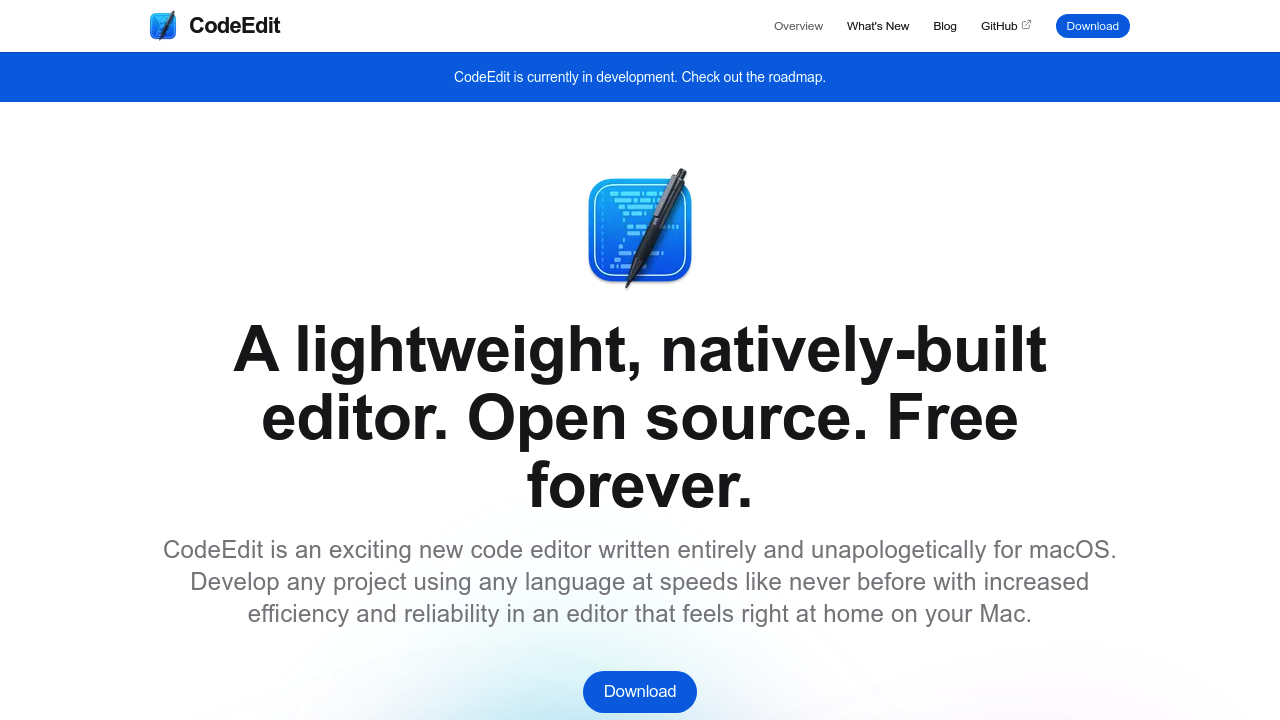
CodeEdit is a native code editor written entirely in Swift for macOS. It provides syntax highlighting, code completion, project find and replace, snippets, terminal, task running, debugging, git integration, and extensions. Solo developers who prefer a lightweight alternative to Xcode for non-Apple platform projects may appreciate its macOS-native architecture and zero cost.
Strengths
- Completely free and open source, designed to remain free forever
- Built natively in Swift, utilizing full Mac system resources without Electron overhead
- Extensible through JavaScript and React extension API for custom functionality
- Follows Apple's human interface guidelines for familiar macOS user experience
- Community-driven development with active Discord community and weekly meetups
- Includes integrated terminal, git integration, debugging, and task running capabilities
Weaknesses
- Currently in development and not recommended for production use
- macOS-only availability, no Windows or Linux support
- No AI-powered code completion or suggestions (not a Copilot alternative)
- Limited built-in language support (HTML, JavaScript, Markdown), requires extensions for others
- Smaller ecosystem compared to mature editors like VS Code
Best for
Mac developers seeking a lightweight, native alternative to Xcode for cross-platform projects who value open-source software and minimal resource consumption.
Pricing plans
- Free — $0 — No limits, unlimited usage, open source
Tech details
- Type: Native macOS code editor
- IDEs: Standalone application for macOS
- Key features: Syntax highlighting, code completion, project find/replace, snippets, terminal, task running, debugging, git integration, code review, extensions
- Privacy / hosting: Self-hosted locally on user's Mac. No cloud components. No data transmission.
- Models / context window: Not applicable (no AI features)
When to choose this over Visual Studio Code
- You prioritize native macOS performance and system integration
- You want zero Electron overhead and minimal memory footprint
- You prefer open-source software with community governance
- You value Apple-native UI conventions and design patterns
When Visual Studio Code may be a better fit
- You need cross-platform compatibility (Windows, Linux)
- You require mature extension marketplace with thousands of plugins
- You need production-ready stability for critical projects
- You want AI coding assistants like GitHub Copilot integration
Conclusion
CodeEdit represents an ambitious community effort to build a truly native macOS code editor. While currently in development, it aims to provide a TextEdit-lightweight experience that can scale to Xcode-level functionality. For Mac developers who value native performance and open-source principles, CodeEdit offers a compelling alternative to Electron-based editors. However, production users should await stable releases before adopting it for critical work.
Sources
- Official site: https://www.codeedit.app/
- Docs: https://docs.codeedit.app/
- GitHub: https://github.com/CodeEditApp/CodeEdit
FAQ
Is CodeEdit stable enough for daily use?
No. The project explicitly states it is currently in development and not recommended for production use. Users can test pre-release versions and provide feedback.
Does CodeEdit work on Windows or Linux?
No. CodeEdit is built exclusively for macOS using Swift. There are no plans for cross-platform versions.
Can I use CodeEdit with AI coding assistants?
CodeEdit does not currently support AI coding assistants like GitHub Copilot. It focuses on providing a native editor experience without AI features.
How do I add support for my programming language?
CodeEdit supports HTML, JavaScript, and Markdown out of the box. Other languages require extensions built using the JavaScript and React extension API.
Does CodeEdit cost anything?
No. CodeEdit is completely free and open source, with a commitment to remain free forever.
How does CodeEdit handle large projects?
CodeEdit is designed to be lightweight yet powerful, utilizing native macOS architecture for performance. Specific performance benchmarks for large codebases are not yet published.